

Describe what you need.SketchMind builds it.
Ask in plain words. SketchMind builds the board, the presentation, even a working tool, and asks for any facts it needs first. Your tasks, plans and goals live in the same workspace, on computer, phone and tablet.
You know what to say.
You just can't get it on a slide.
Slides or a document?
Which template?
Still fixing the layout.
Starting from a blank page takes hours.SketchMind makes it ready to present.
Describe it in one sentence. You get the finished board or deck.
A long message
is hard to follow.
In a block of text, people have to search for the point. Most stop reading after a few lines.
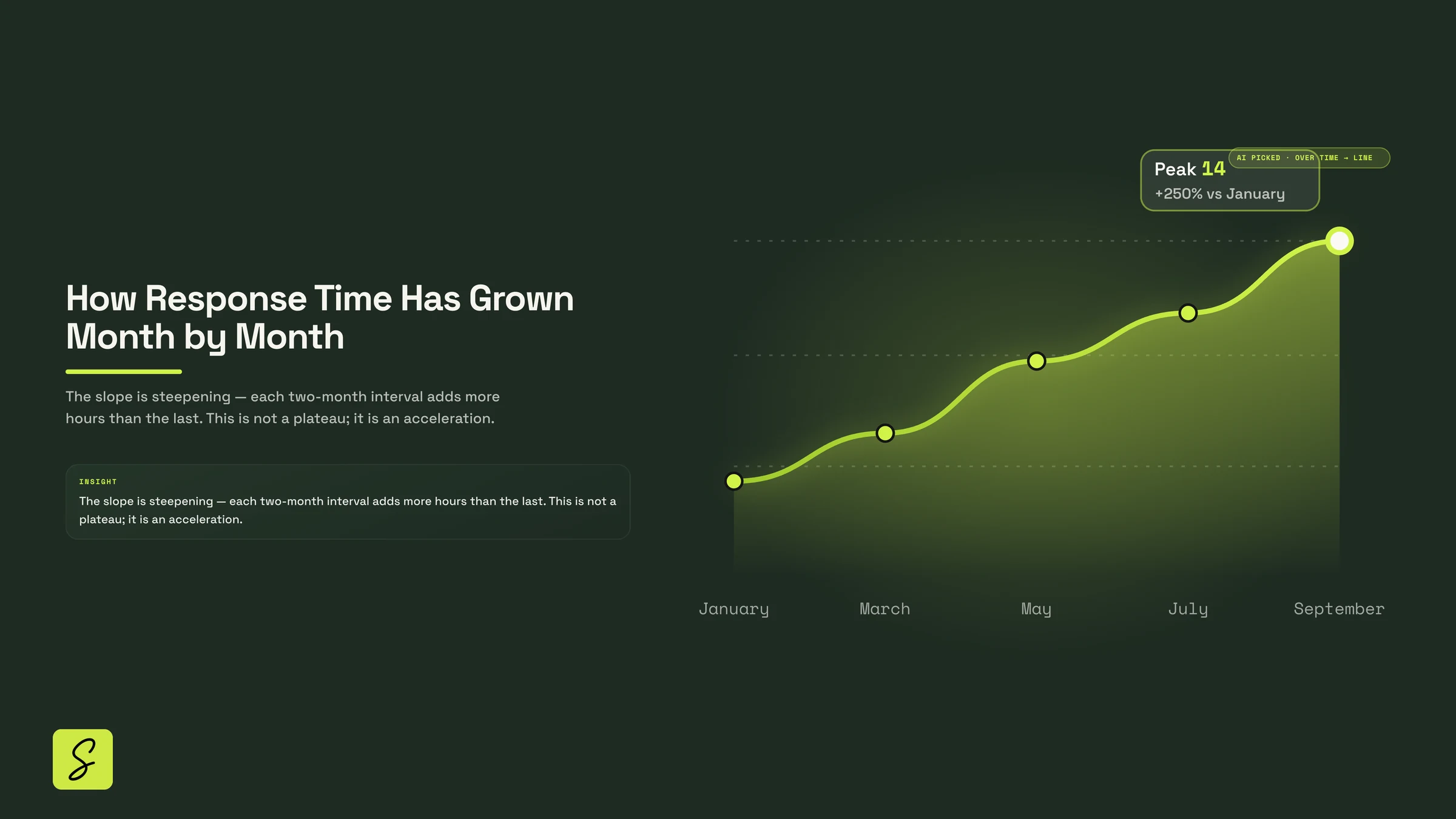
A chart shows it
at a glance.
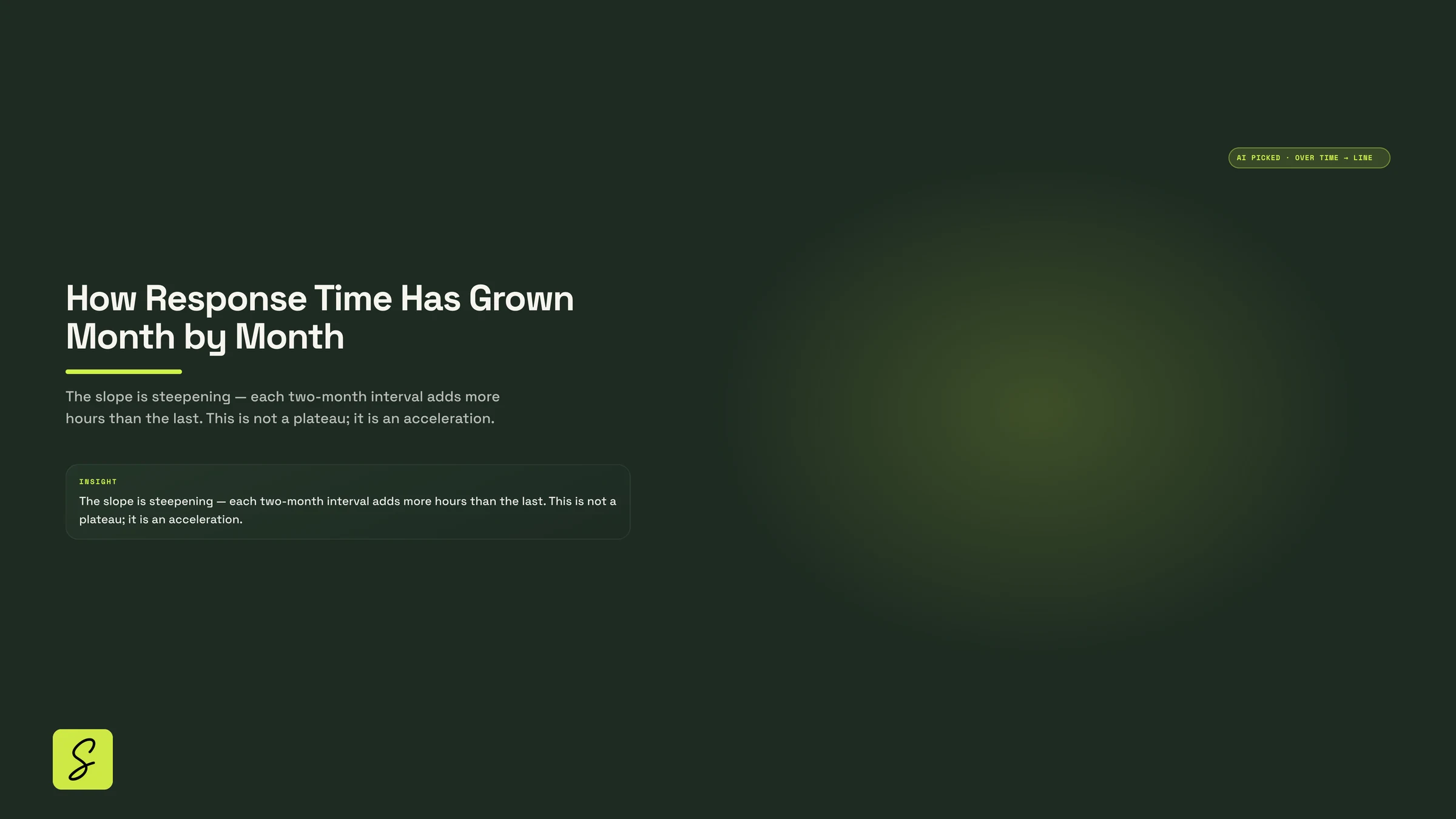
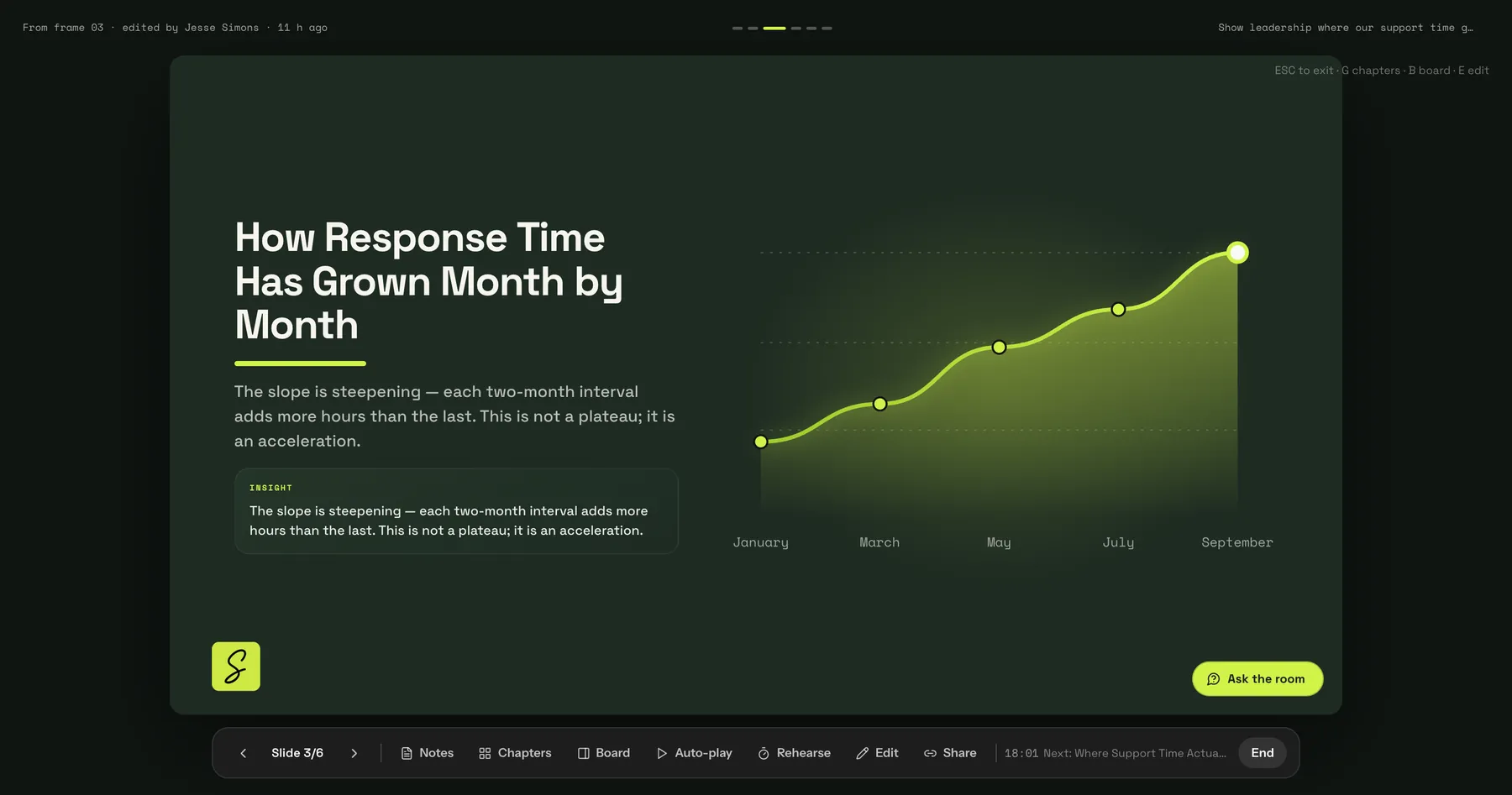
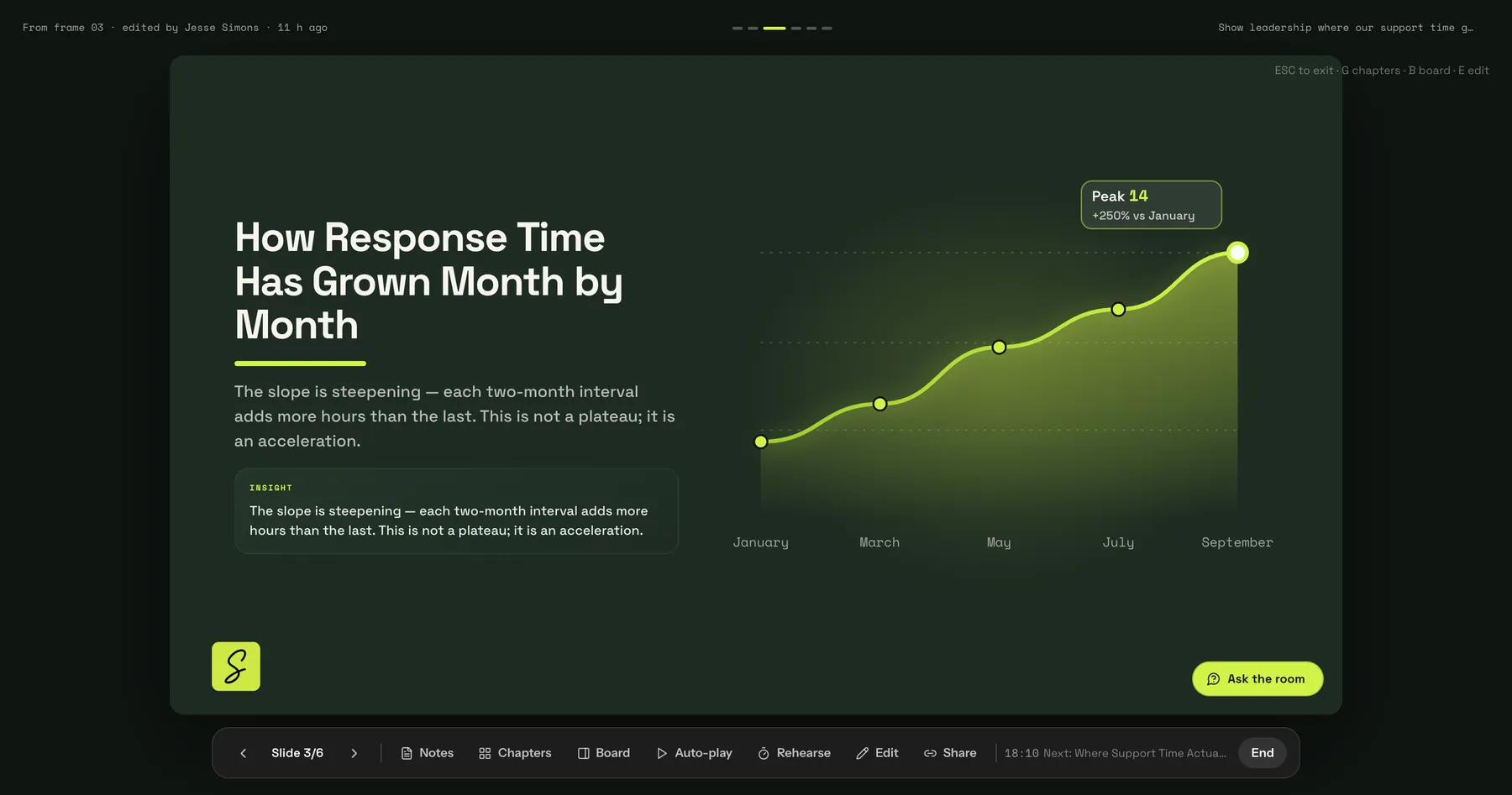
The same numbers as a slide: the trend, the peak and what it means. SketchMind chose a line chart because the numbers change over time.
 You · 11:58 PM
It asks for missing facts.
It does not make them up.
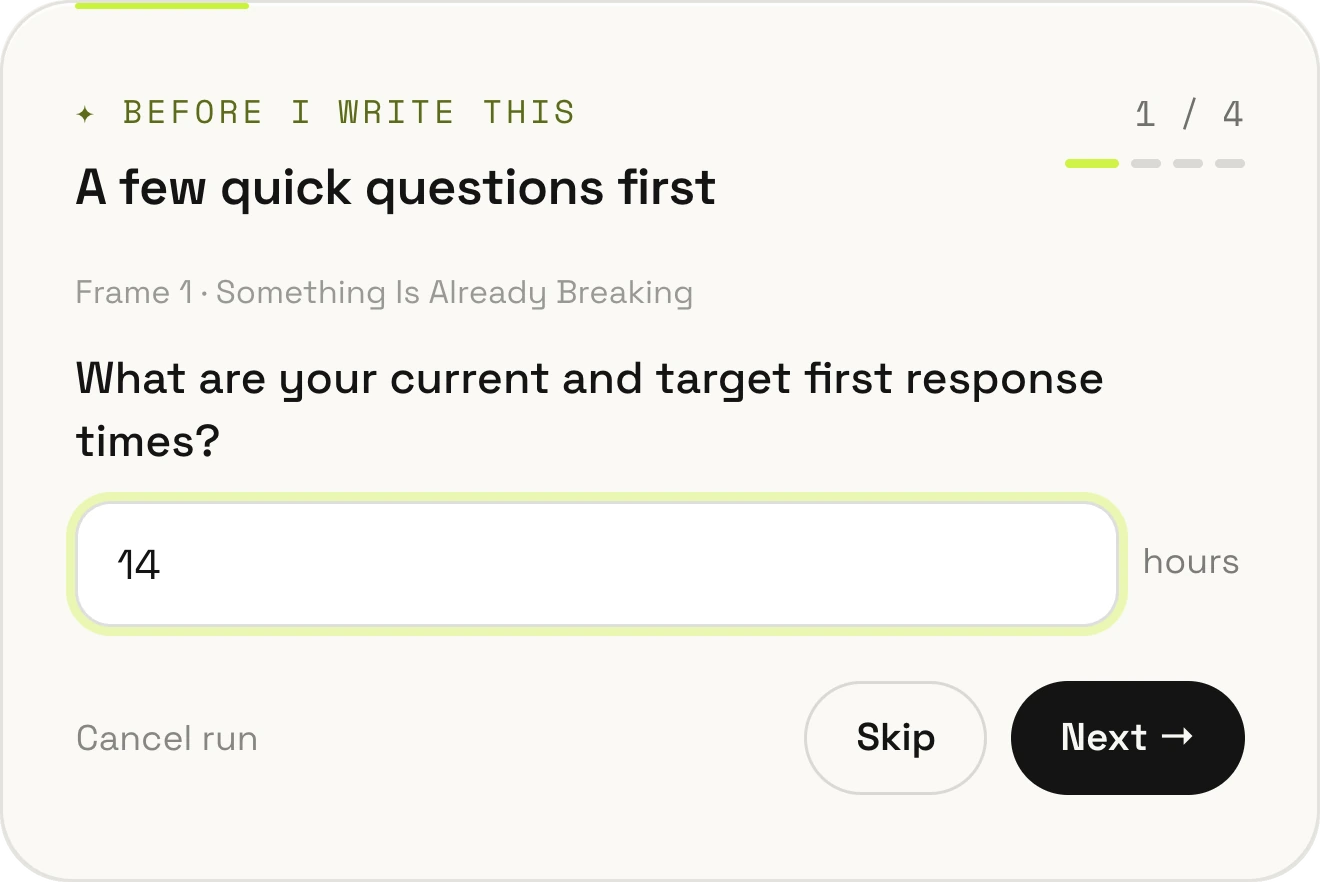
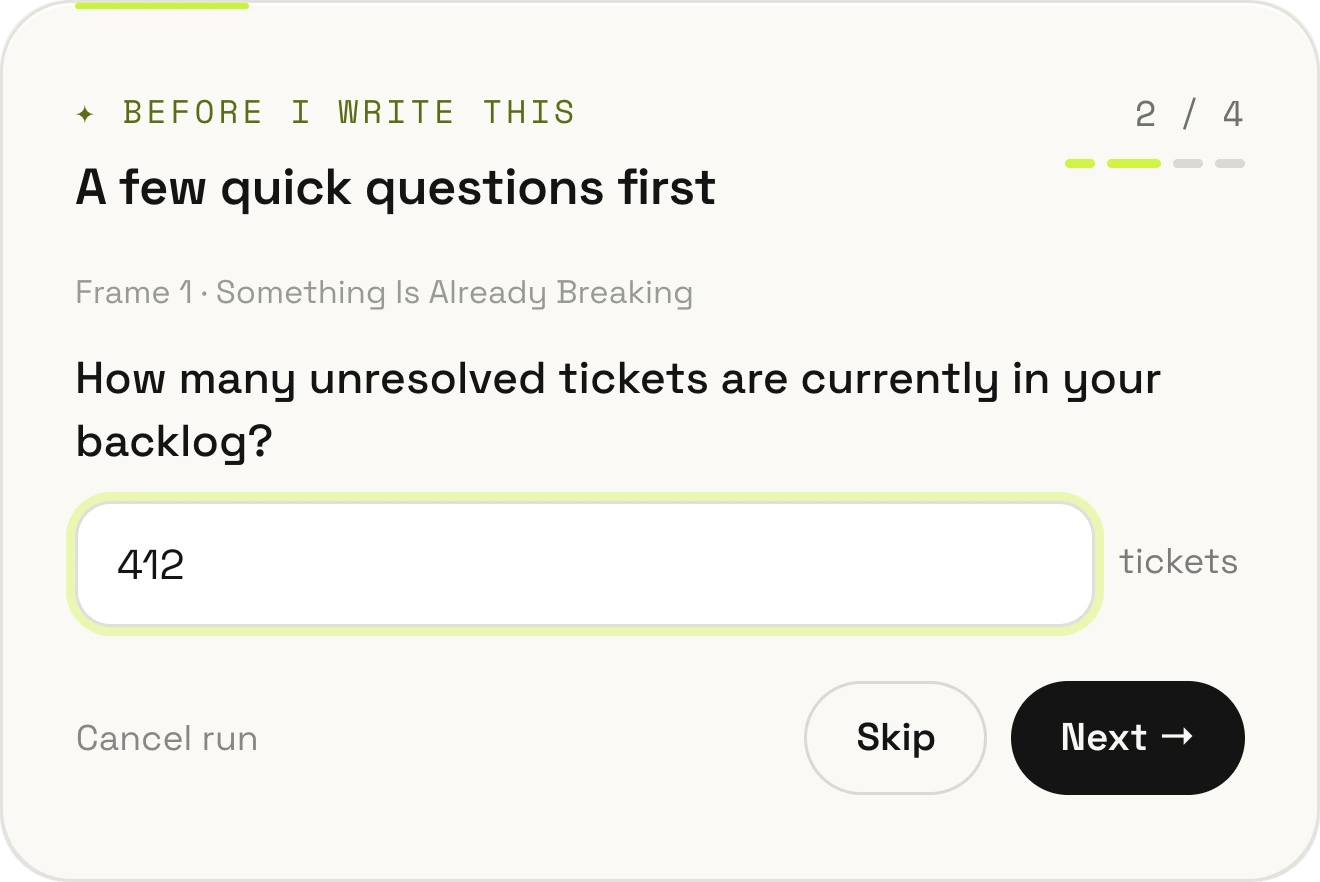
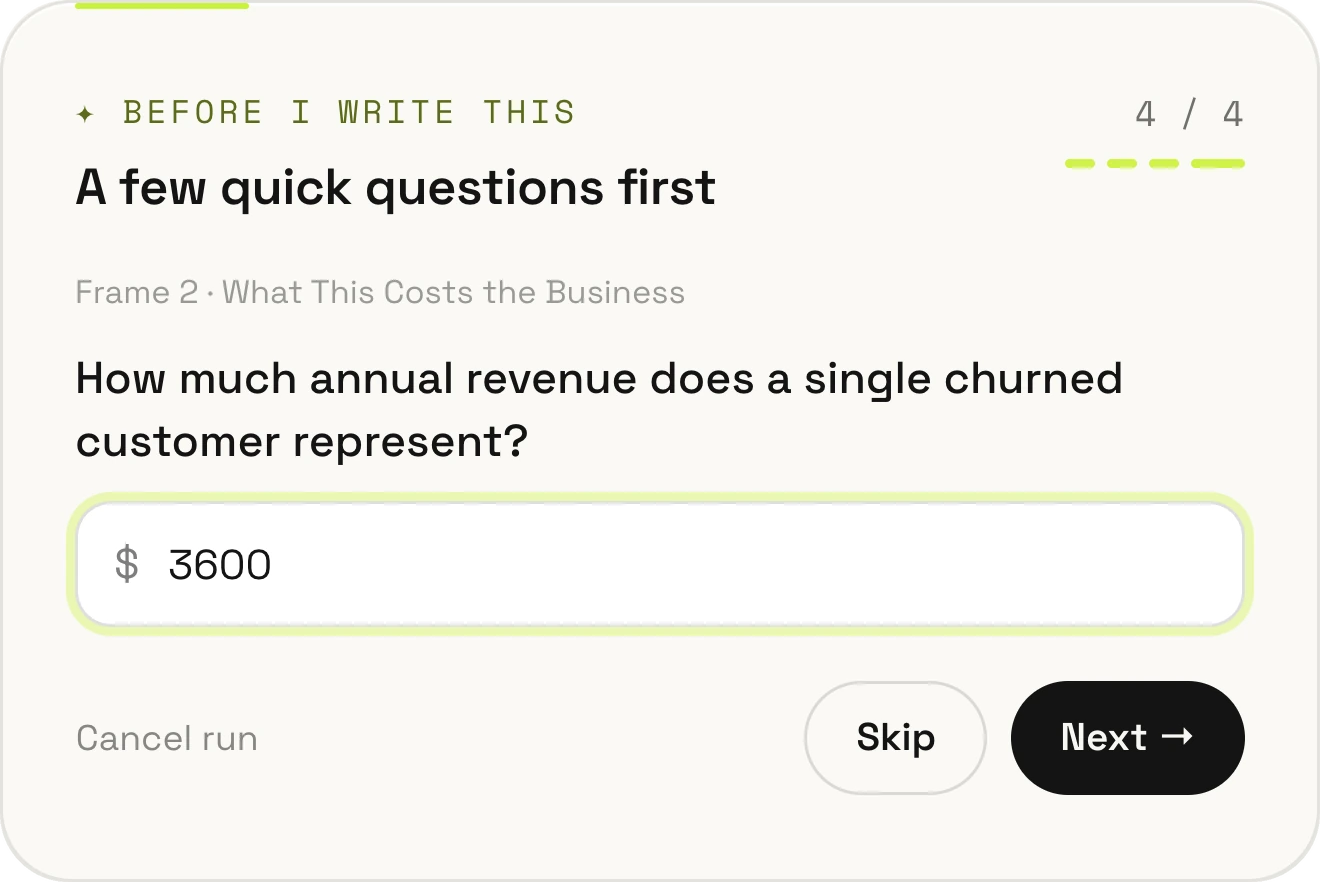
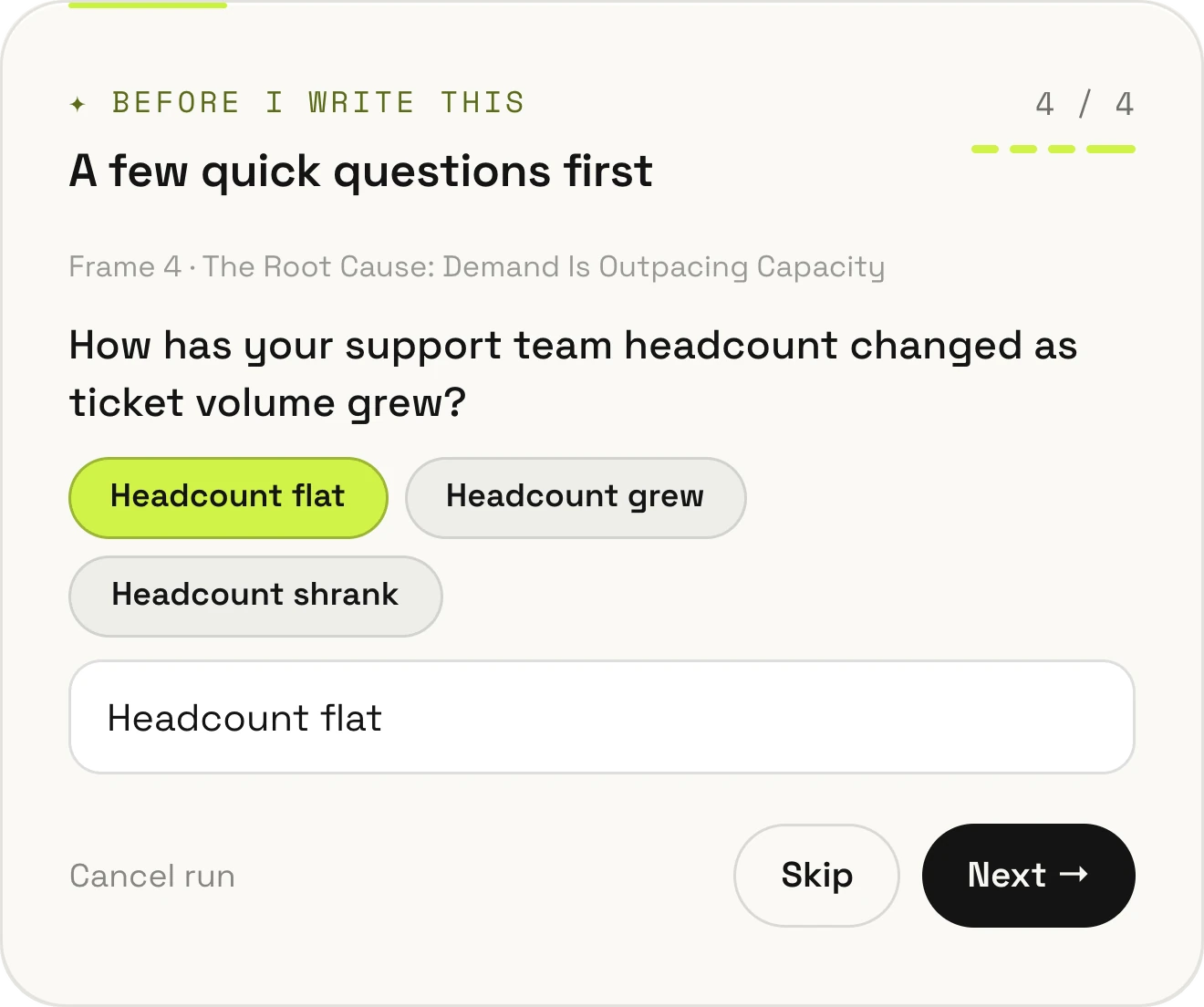
If an important number is missing, SketchMind asks you for it first — one question at a time.
Your actual first-response time, not a guess.
Your real backlog goes straight onto the slide.
What losing one customer costs you per year.
If there are only a few possible answers, you tap one.
Skip a question.
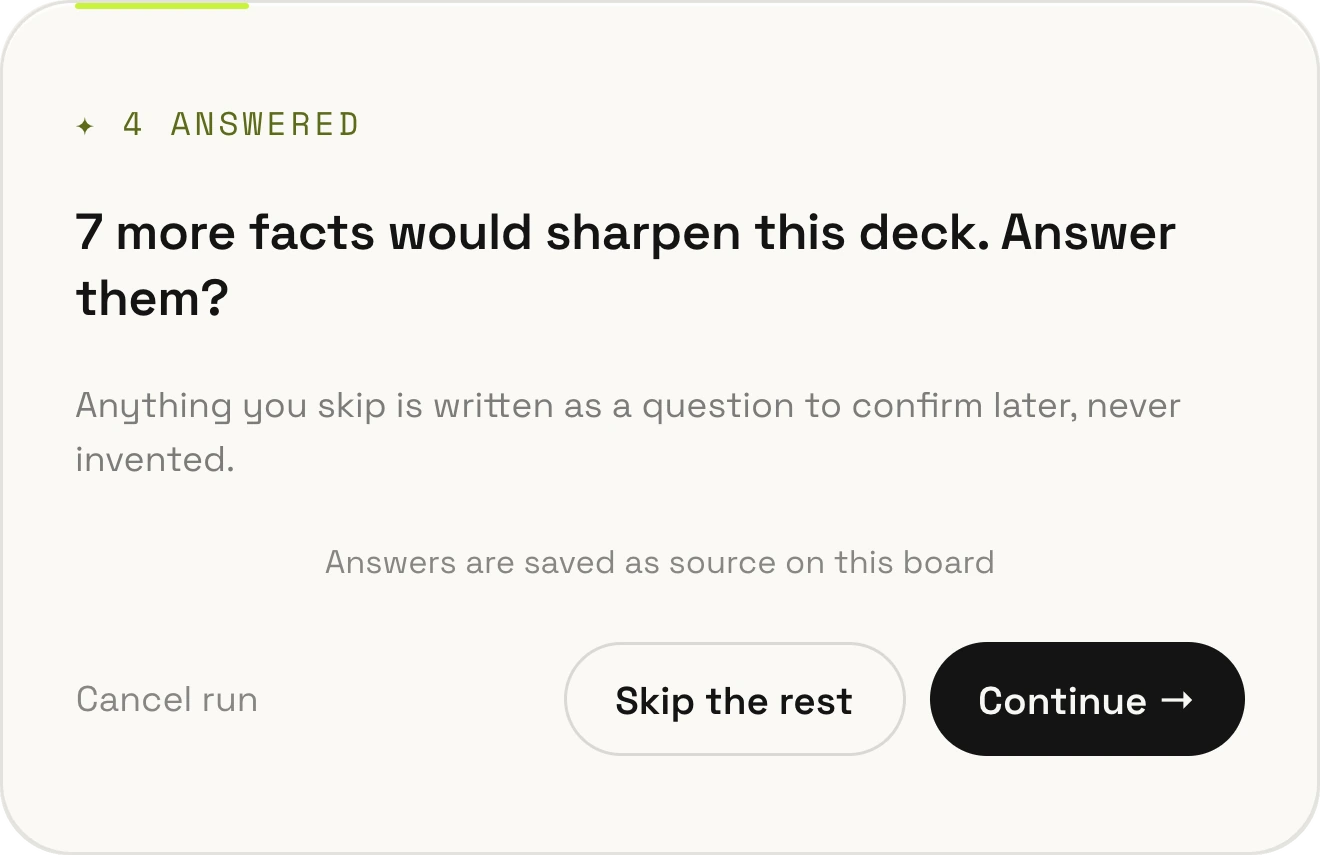
It stays open.
A skipped fact is shown as a question to confirm, so you can see what still needs checking.
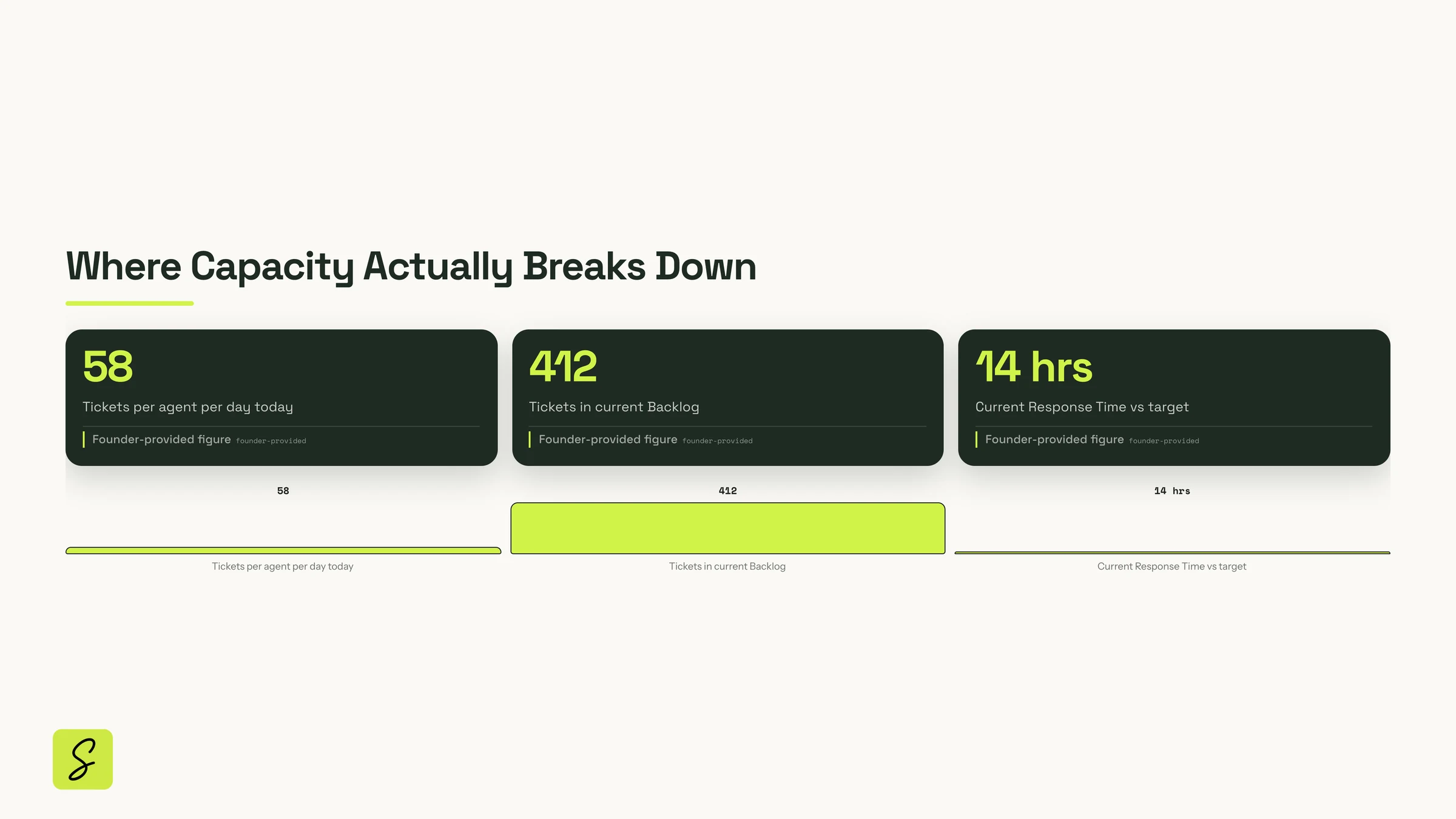
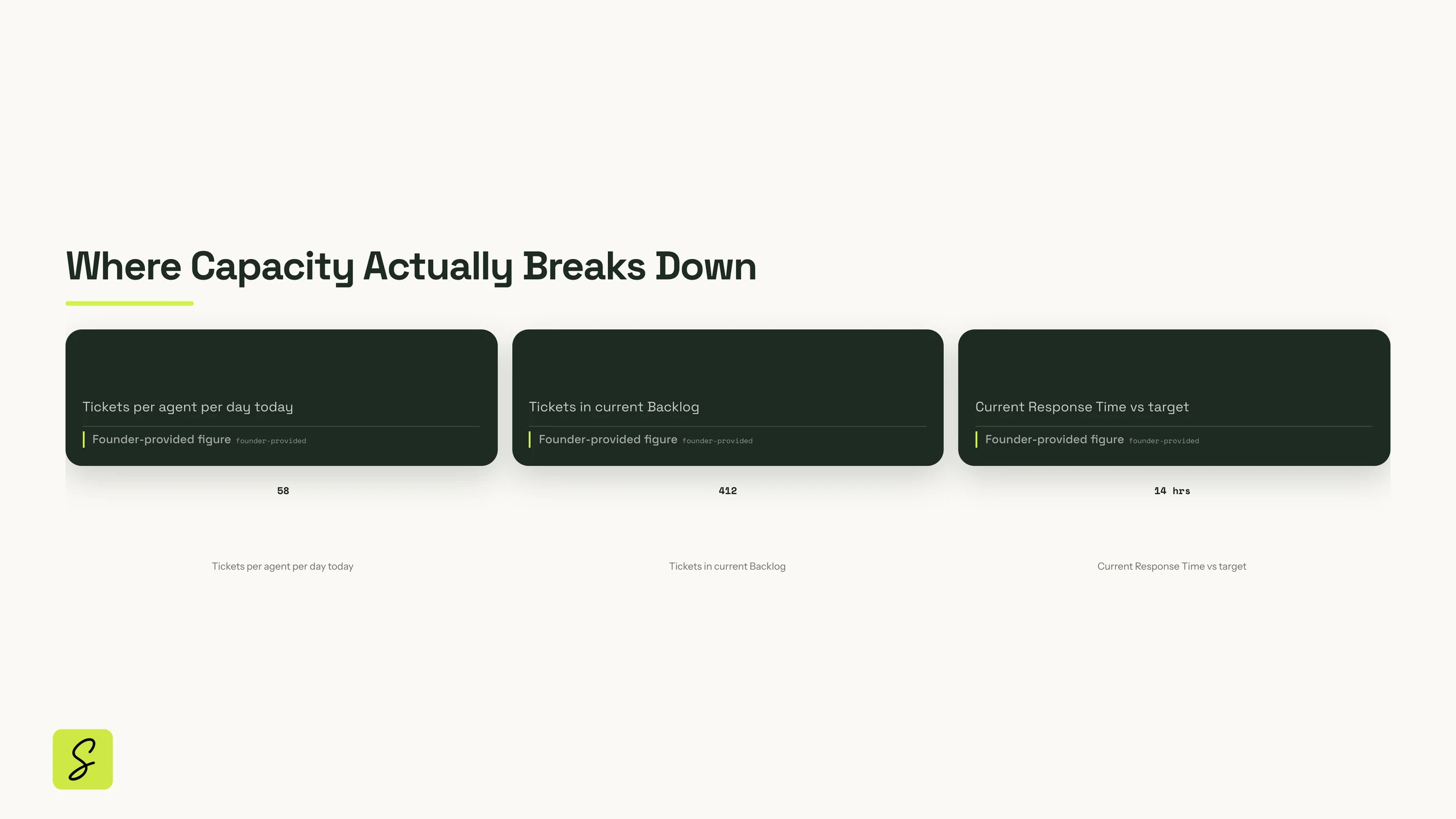 58
412
14 hrs
58
412
14 hrs
Your numbers are marked as yours.
Every figure you gave carries a Founder-provided figure label, straight onto the slide. The ones you skipped stay open as questions to confirm — so nobody presents a guess as a fact.
▍Founder-provided figureThe deck is ready.
Now get yourself ready.
The deck is done. The talk isn’t.
Tomorrow at 9:00 AM you present. Ask Build for what you actually need tonight: a coach for this exact talk.
It asks three quick questions.
Research the questions leadership asks? Which tone? Which alerts? Tap an answer, or skip and let it decide.
It looks up what leadership asks about new hires.
Then it reads your board and builds a working coach on it, while you watch.
Talk. The clock keeps you honest.
Every slide has its own countdown: orange in the last 15 seconds, red when you’re over. One total timer for all 10 minutes.
Then the questions you dread.
Five flip cards with the toughest questions and a short answer on the back. Say it out loud, flip, mark it “Nailed it”.
You walk in having said it all out loud.
Your timings, notes and drill marks are saved on the board. The deck makes the case. You make it land.
Rehearsal coach: why support needs two more hires
Try it: press Start (or Space) and talk through each slide against its countdown. Orange in the last 15 seconds, red when you go over. Then open the Q&A drill and answer each question out loud before you flip the card.
Rehearsal coach · Why support needs two more hires
Leadership talk, tomorrow 9:00 AM · 6 slides = 7:30, plus 2:00 buffer
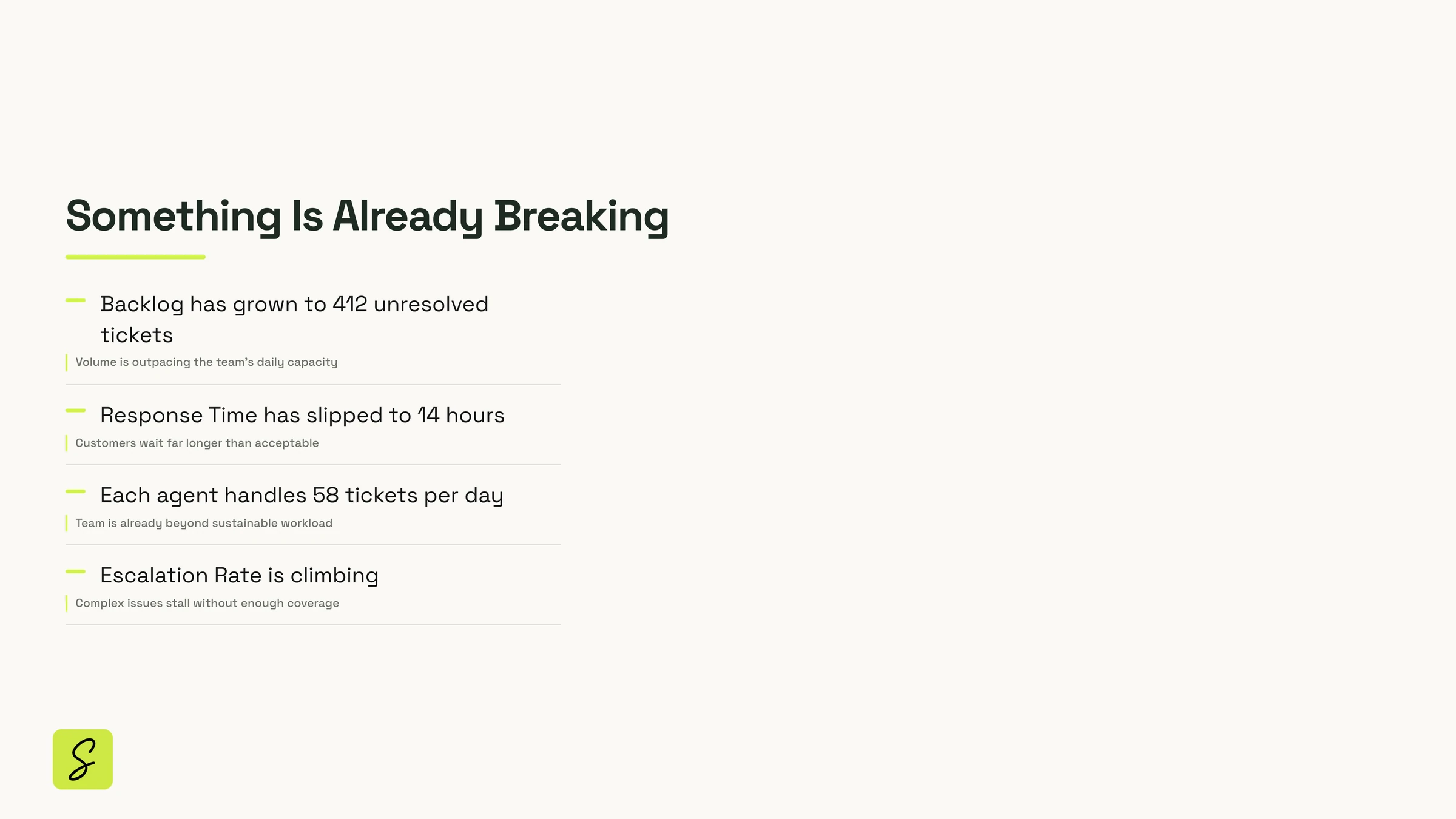
Start with the problem, not the ask. Say: “Support is already breaking. Not might break. It is.” Name three signs: slow replies, a 412-ticket backlog, agents running flat out. Don’t explain yet. Promise the next few minutes: the numbers, the cost, and one ask.
orange at 9:00
Keys: Space start/pause · → next · ← back. Slide timer turns orange in the last 15 s and red once you are over.
What does it cost, and when does it pay back?
Say your answer out loud, then flipEach customer we keep is worth $3,600. Put the yearly cost per hire next to the customers we stop losing, and the payback is a simple count of saved customers.
Questions based on what leadership weighs in headcount requests: cost and payback, alternatives to hiring, why two hires, the cost of waiting, and how success is measured.
For the 5 toughest Q&A questions: do you already know them, or should I research what leadership typically asks about hiring requests?
What’s the tone for speaker notes and Q&A answers: formal and data-driven, or conversational and direct?
For the countdown timers (per slide + total): do you want just visual (color change), or also audio alerts when near red?
Tone for speaker notes… → Conversational and direct
Countdown timers… → Visual only (color change)
I built a working rehearsal coach on the board. Each slide has its own countdown that turns orange in the last 15 seconds and red once you’re over. The Q&A drill has 5 flip cards with short answers on the back, and you can mark each one “Nailed it” or “Drill again”.
Seconds for a frame. Minutes for the real thing.
Pick how much work you want done. Everything lands on your board, and everything stays editable.
Quick
Seconds · a new ready-made frameFrames, a presentation, a flow or a checklist, straight onto your board.
The support deck aboveBuild
Builds anything you describe · fastIllustrated canvases, flows, multi-screen prototypes, working tools and decks, or changes to what’s already there. Ready in a few minutes.
The rehearsal coachDeep build
Researches, reasons, verifies · thoroughThinks it through first: researches real sources, plans, builds, then tests and critiques its own work before you see it.
For strategy, data-backed tools and investor-grade decksA board, a deck, a document,
a plan and a flow.
All made in SketchMind. Every screen below is a real recording from the app.
- 01
Draw on the board yourself
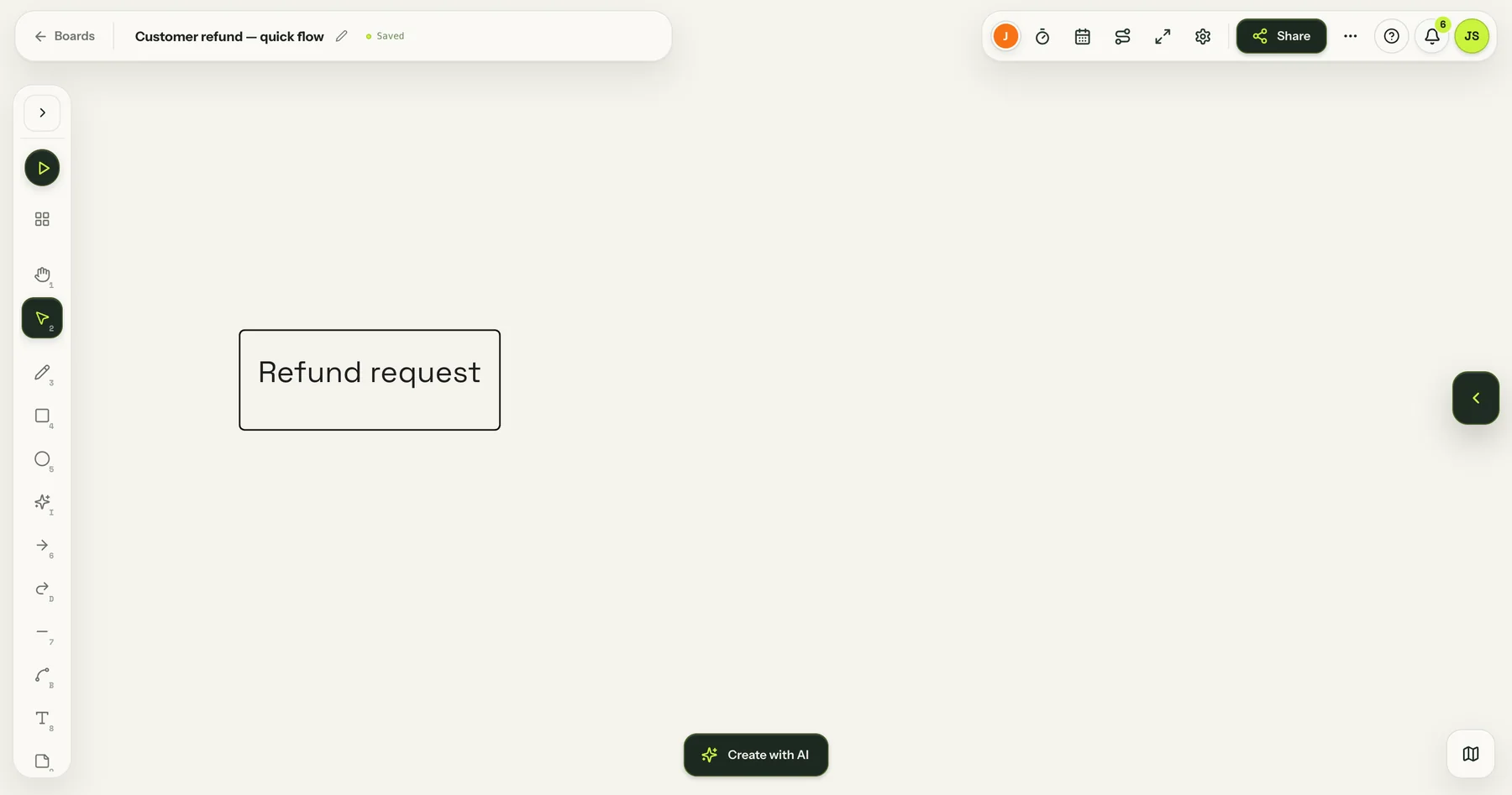
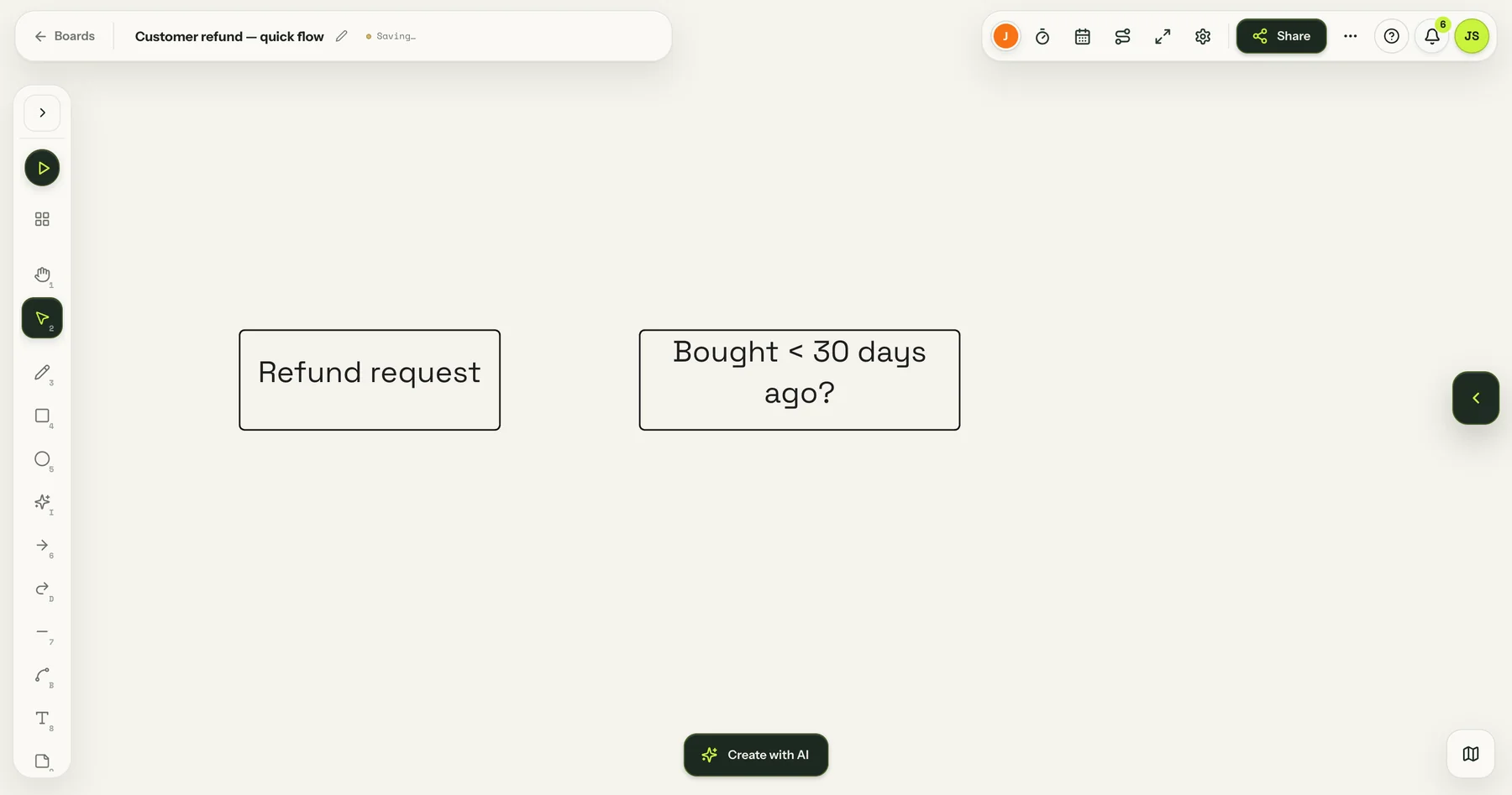
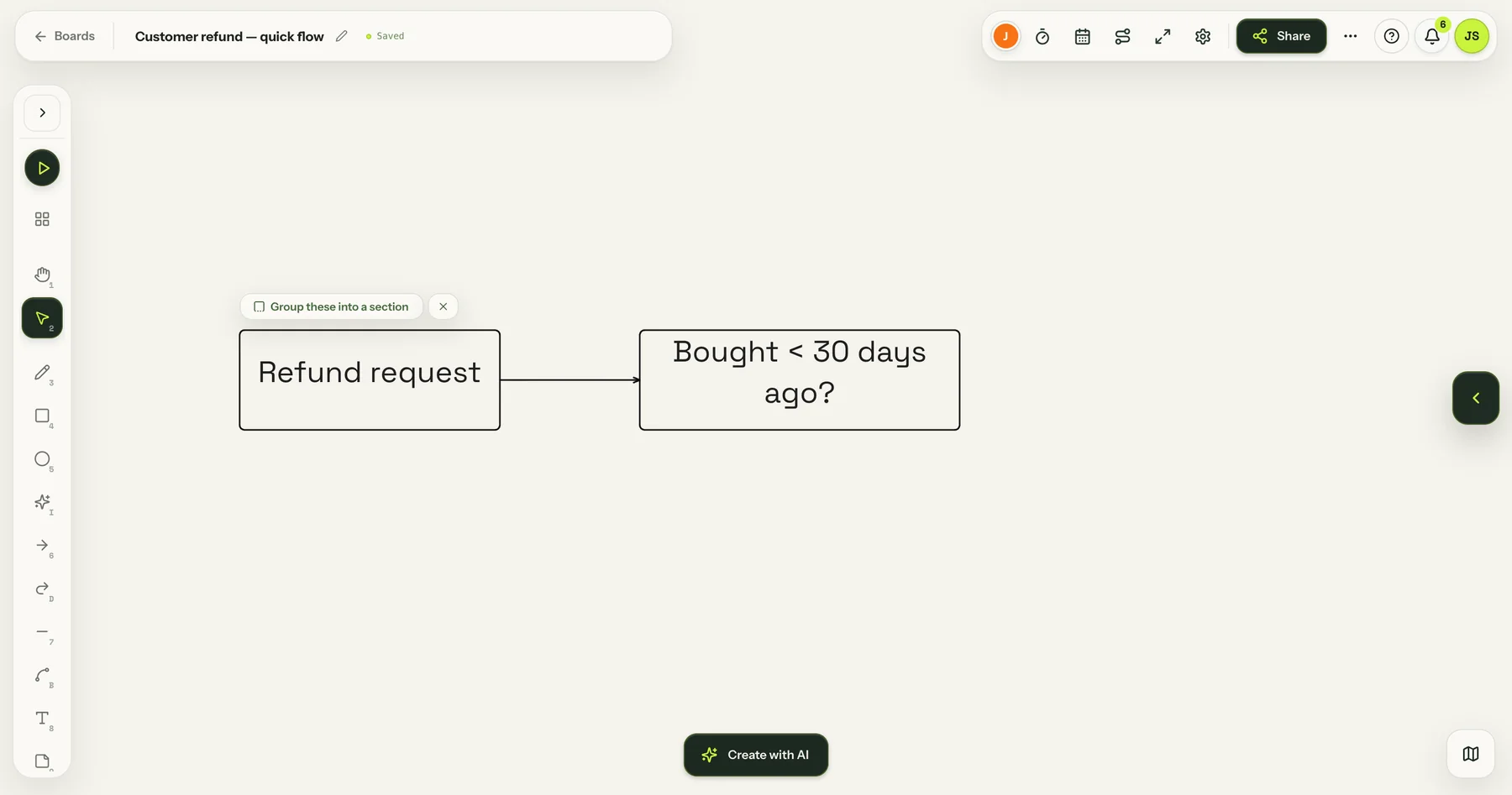
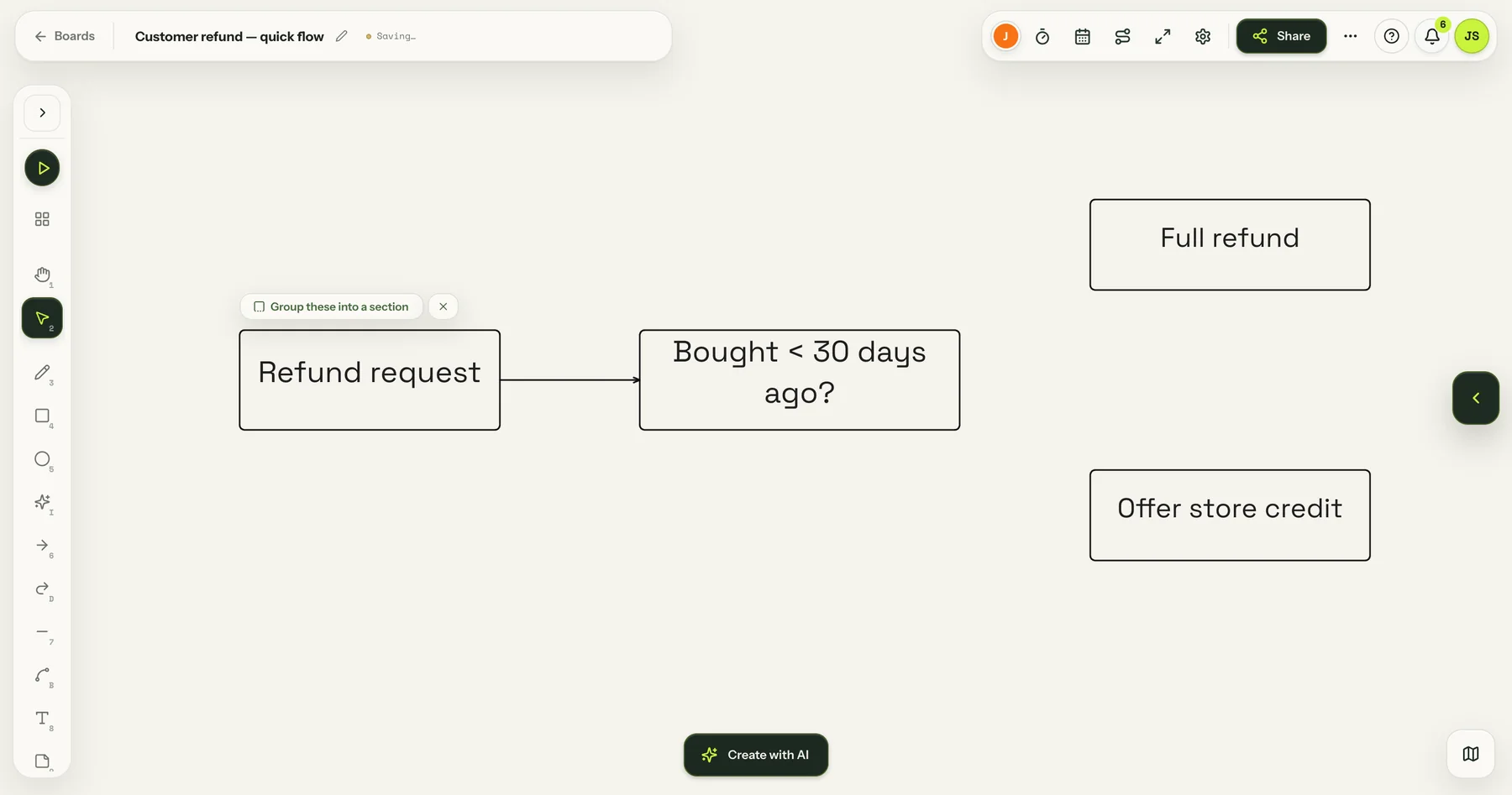
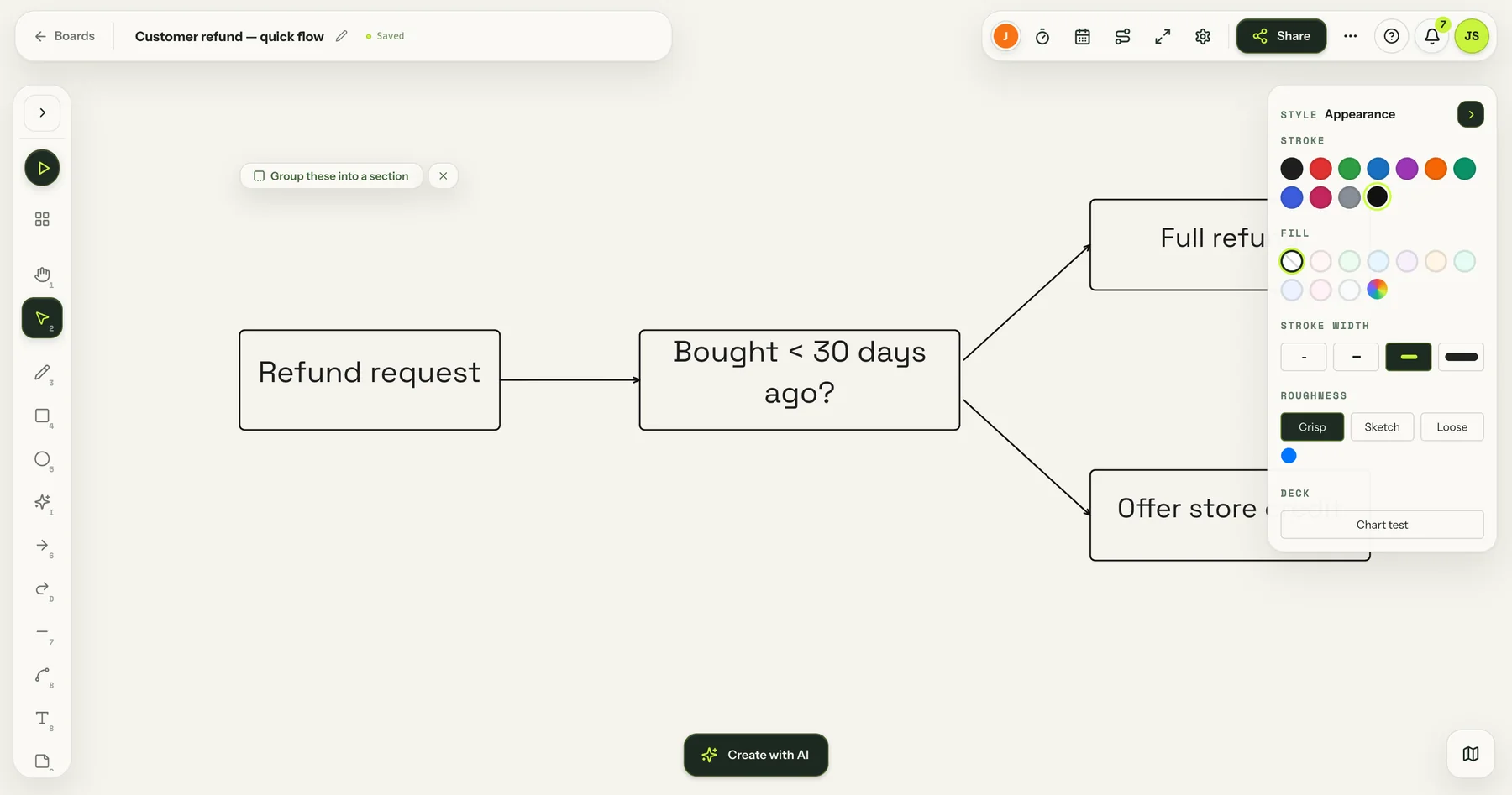
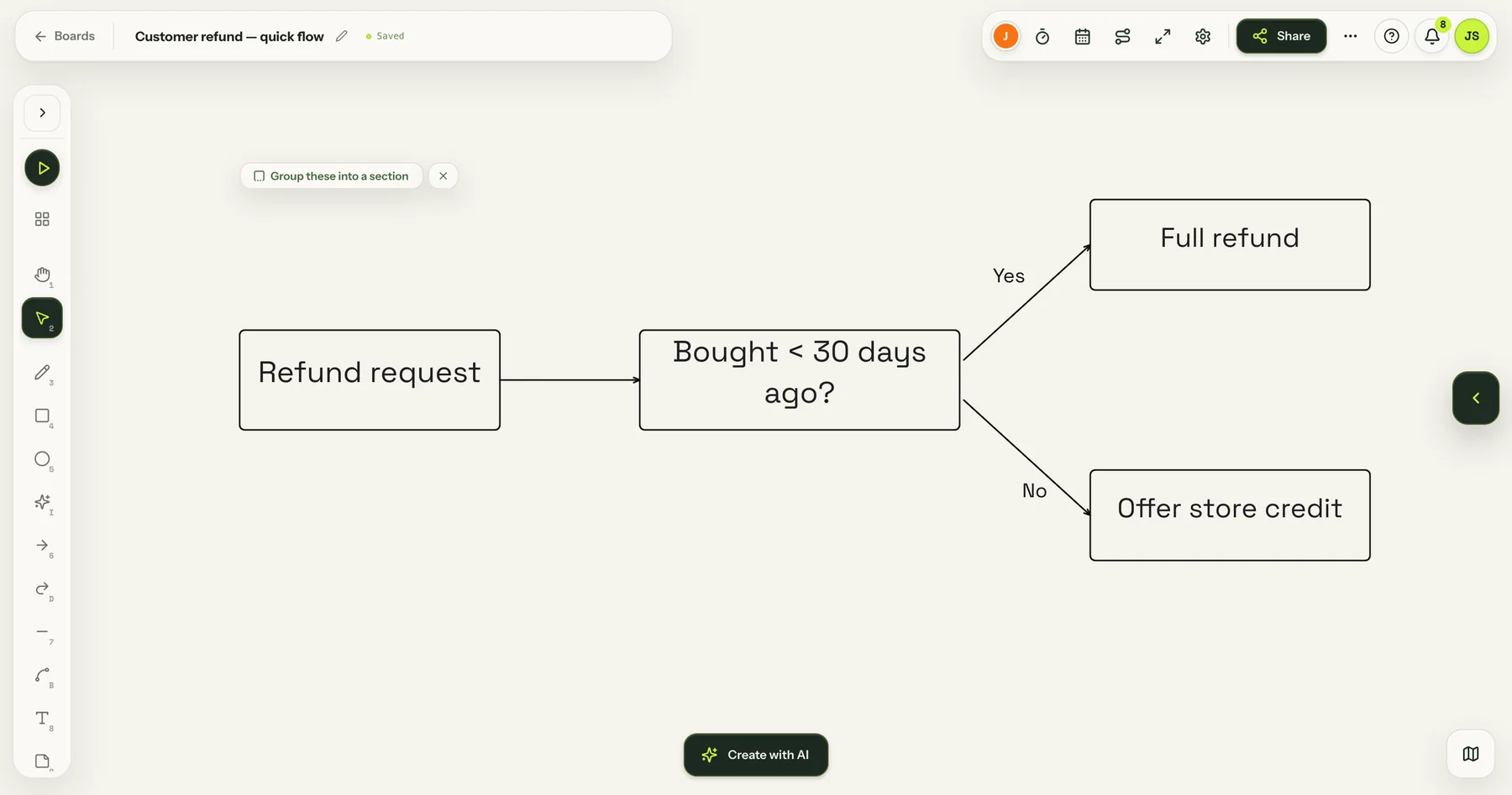
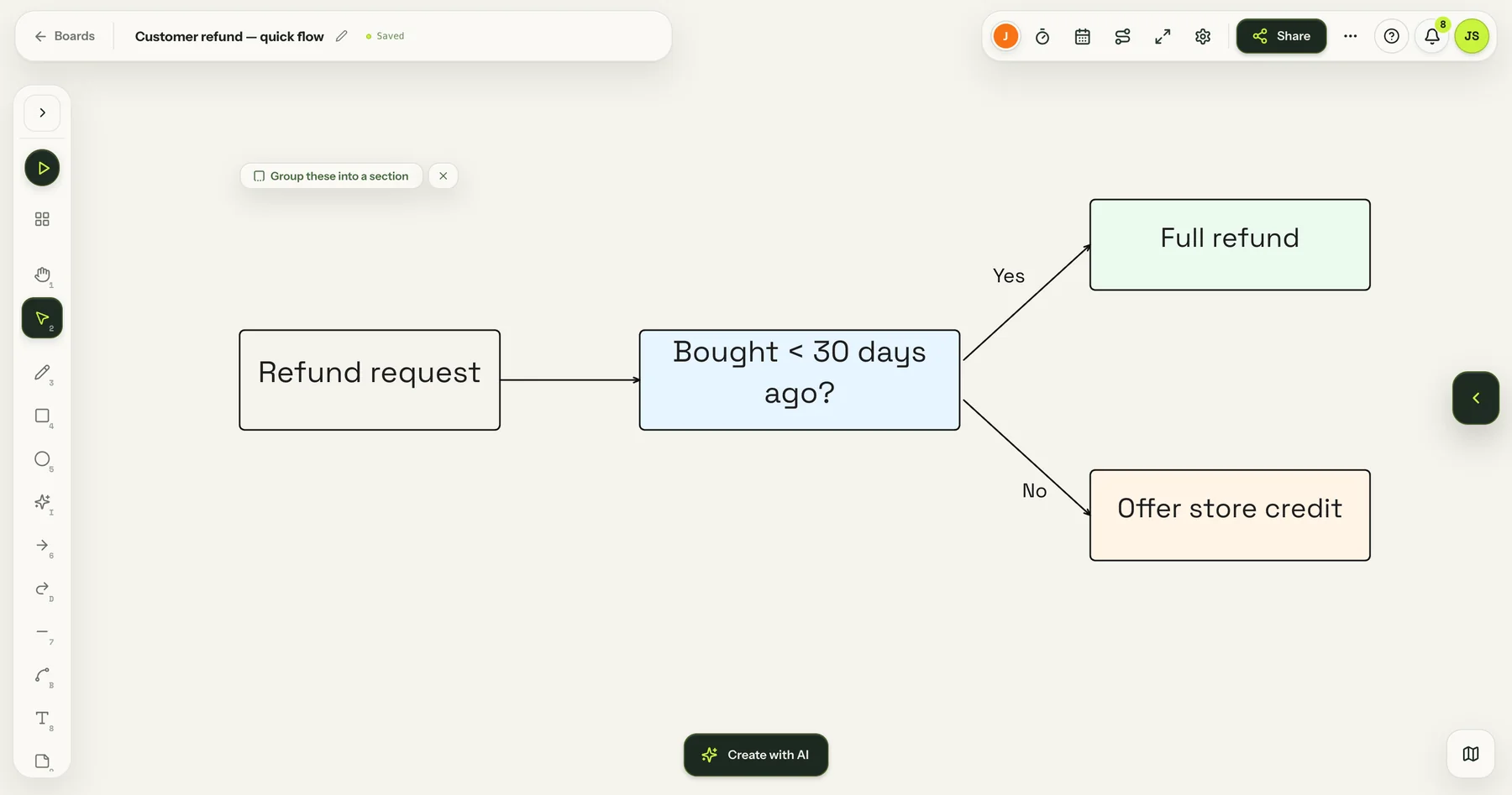
Add boxes, text and arrows by hand. Here: a simple refund flow, made in under a minute. Everything saves automatically.
- 02
Present it as a deck
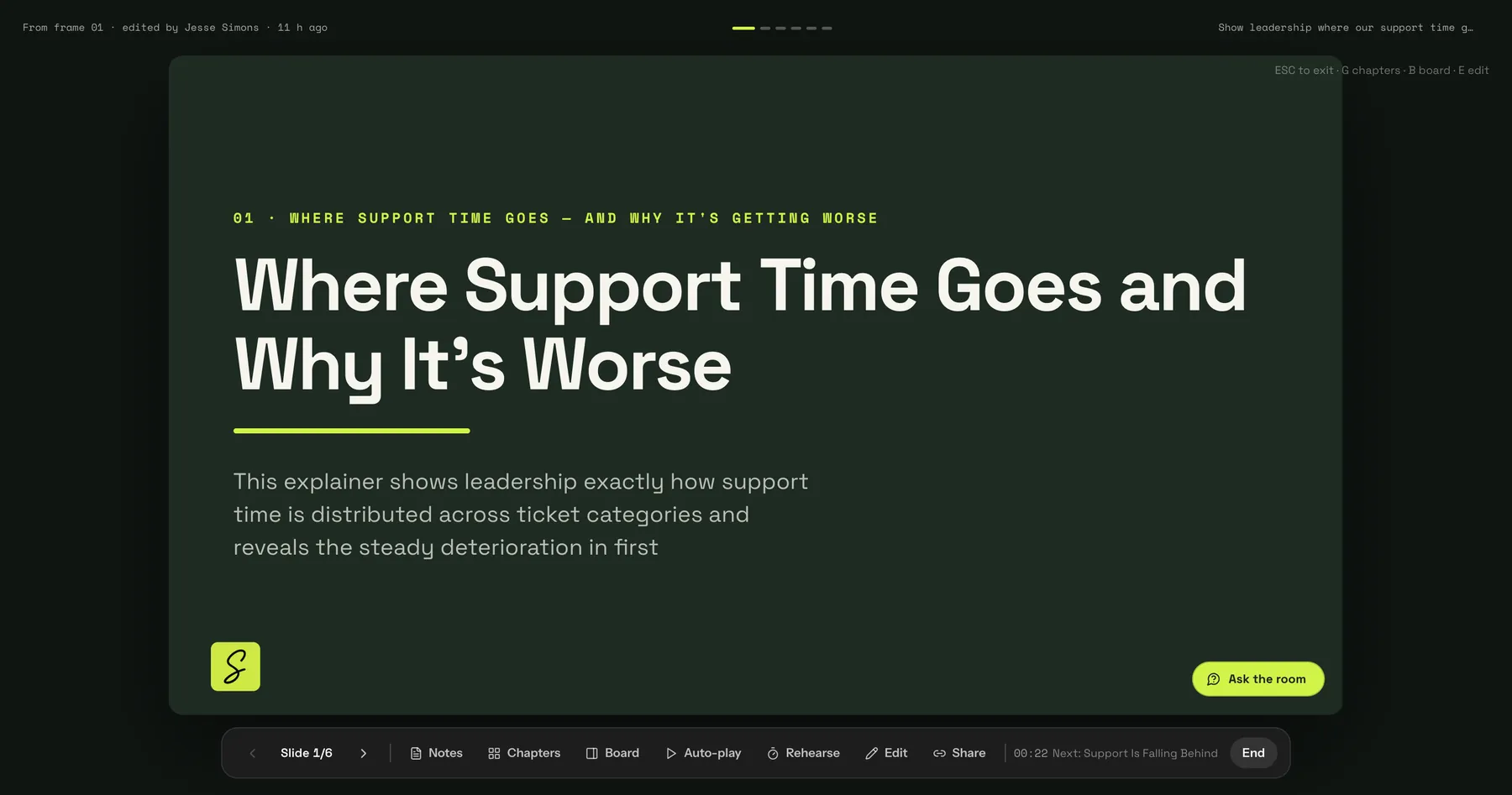
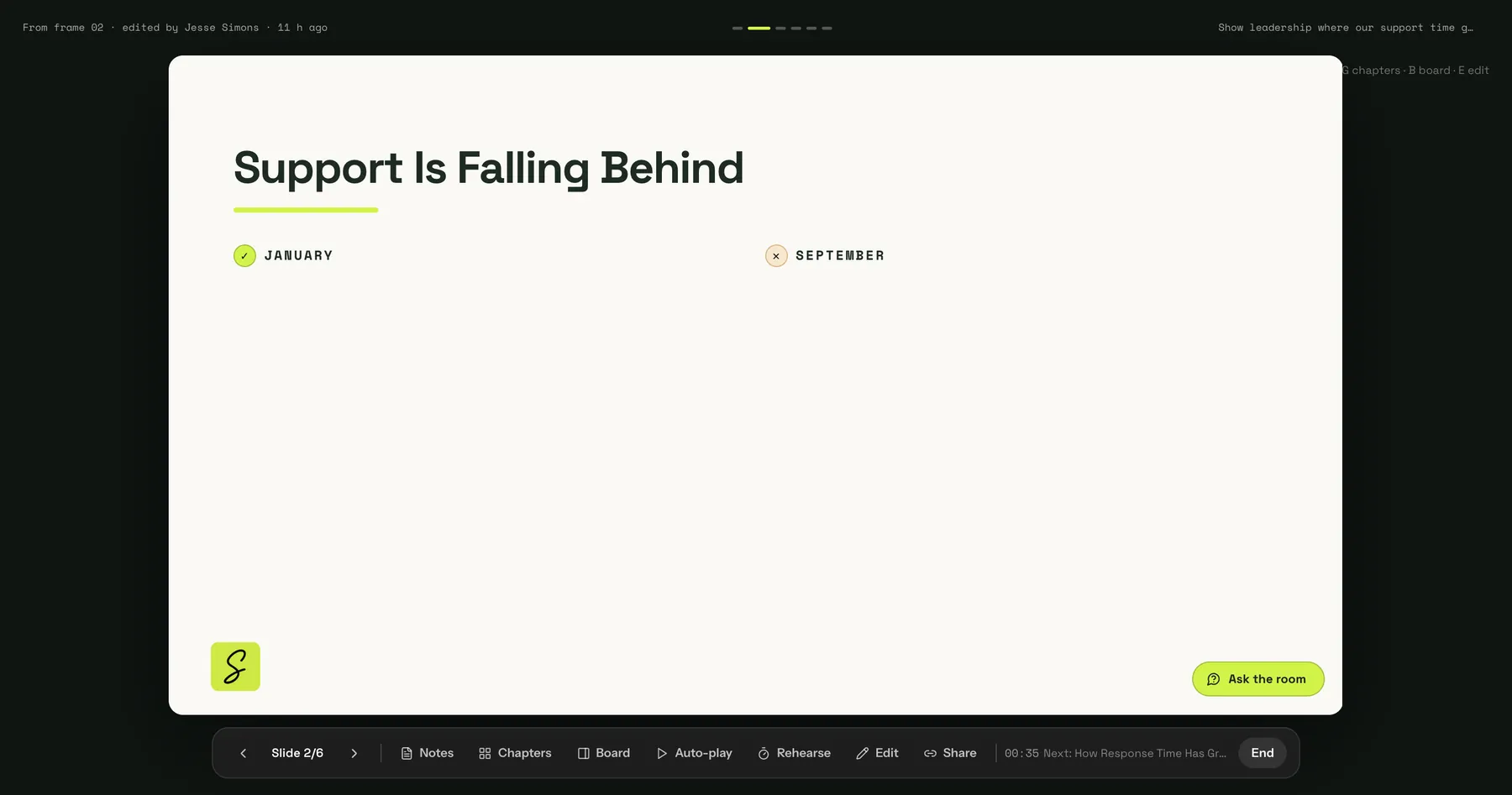
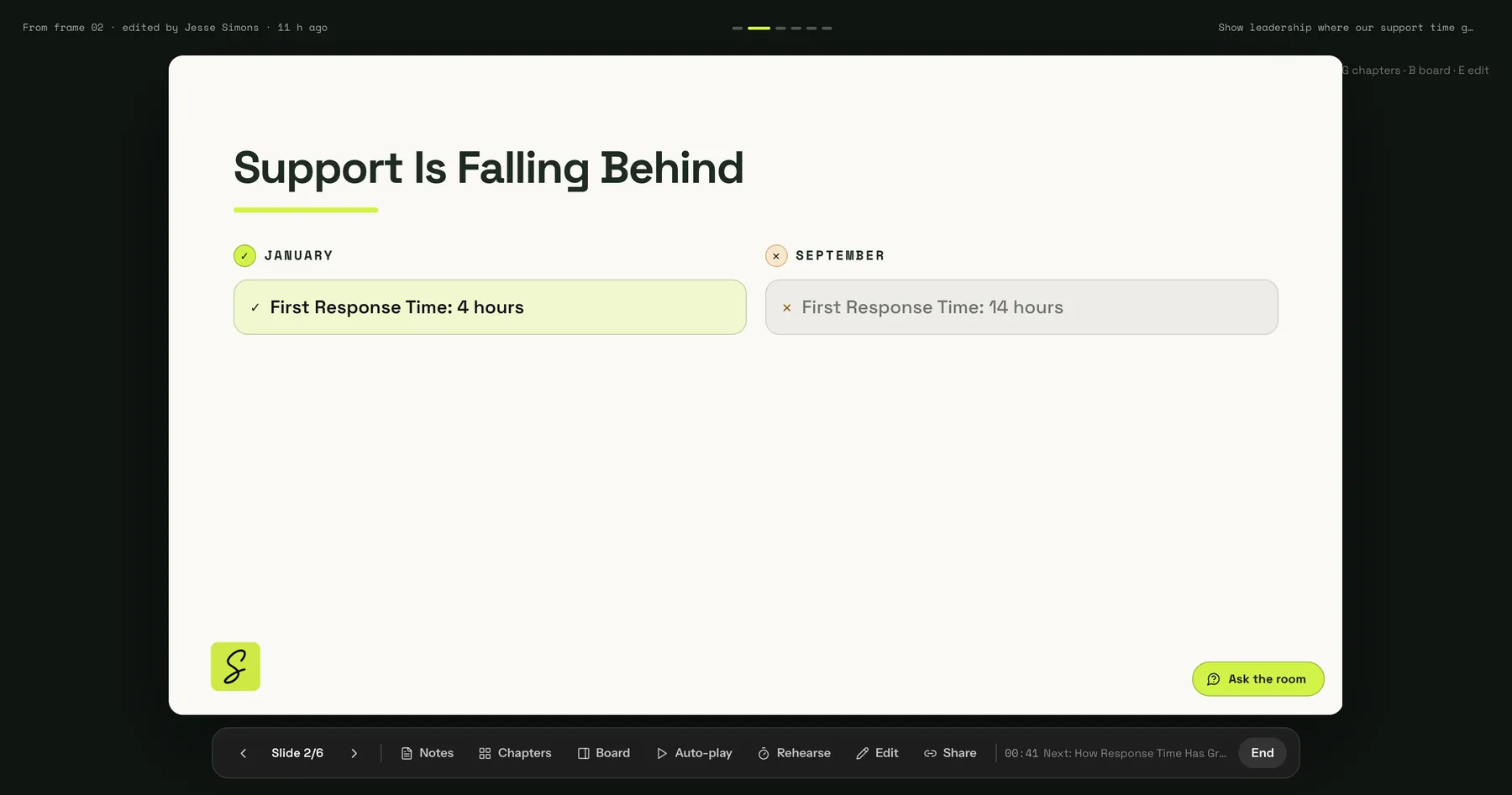
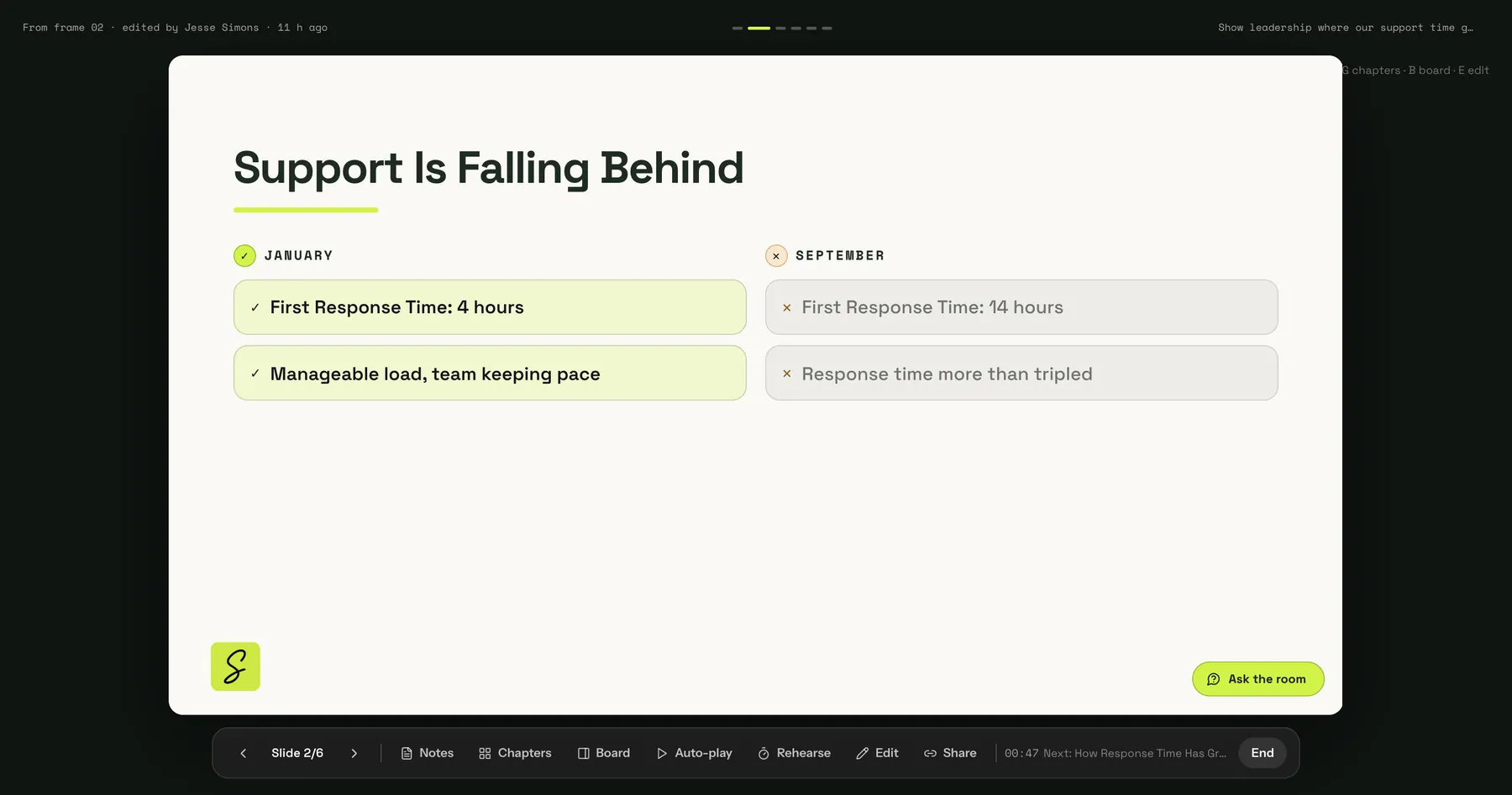
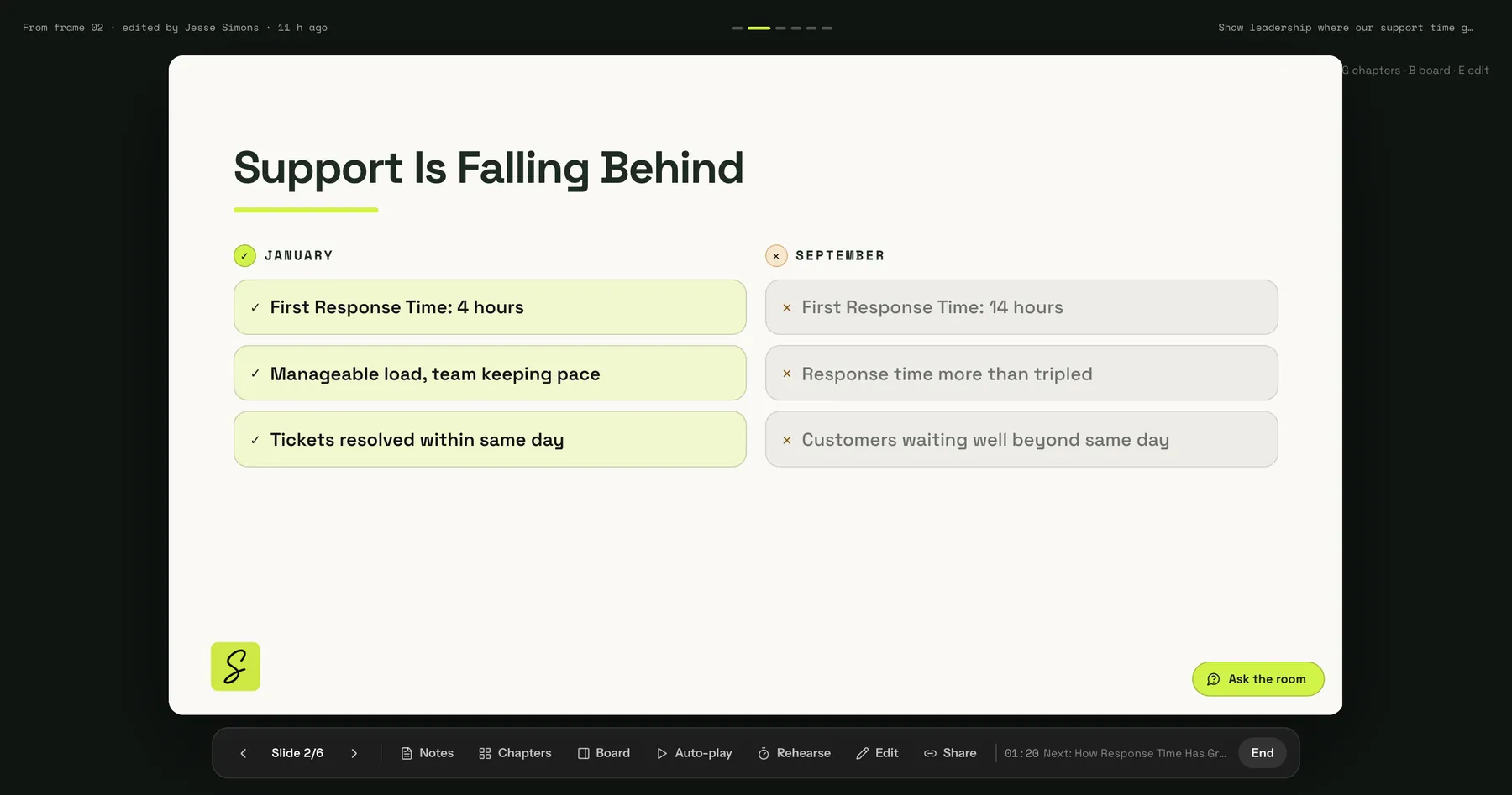
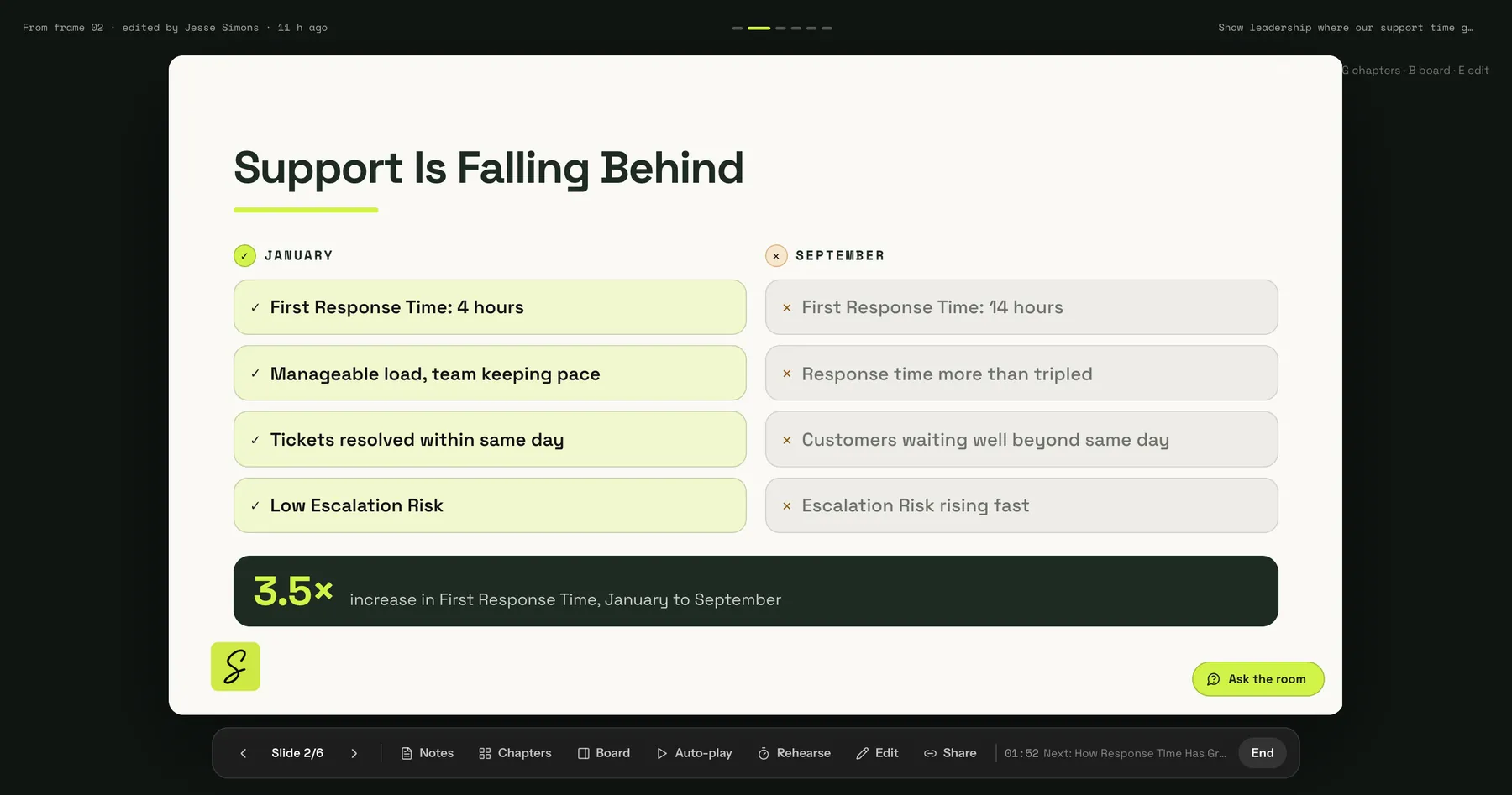
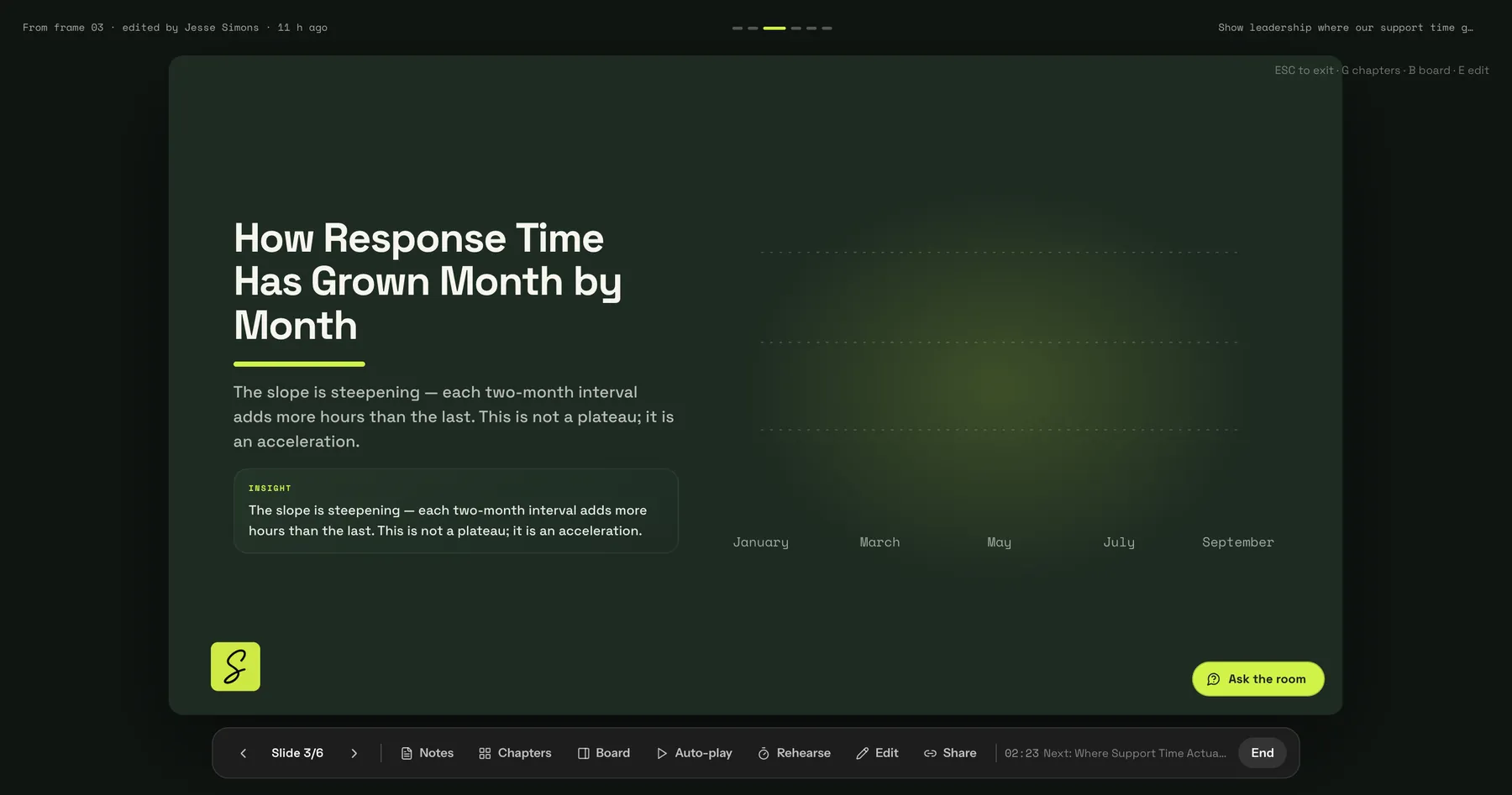
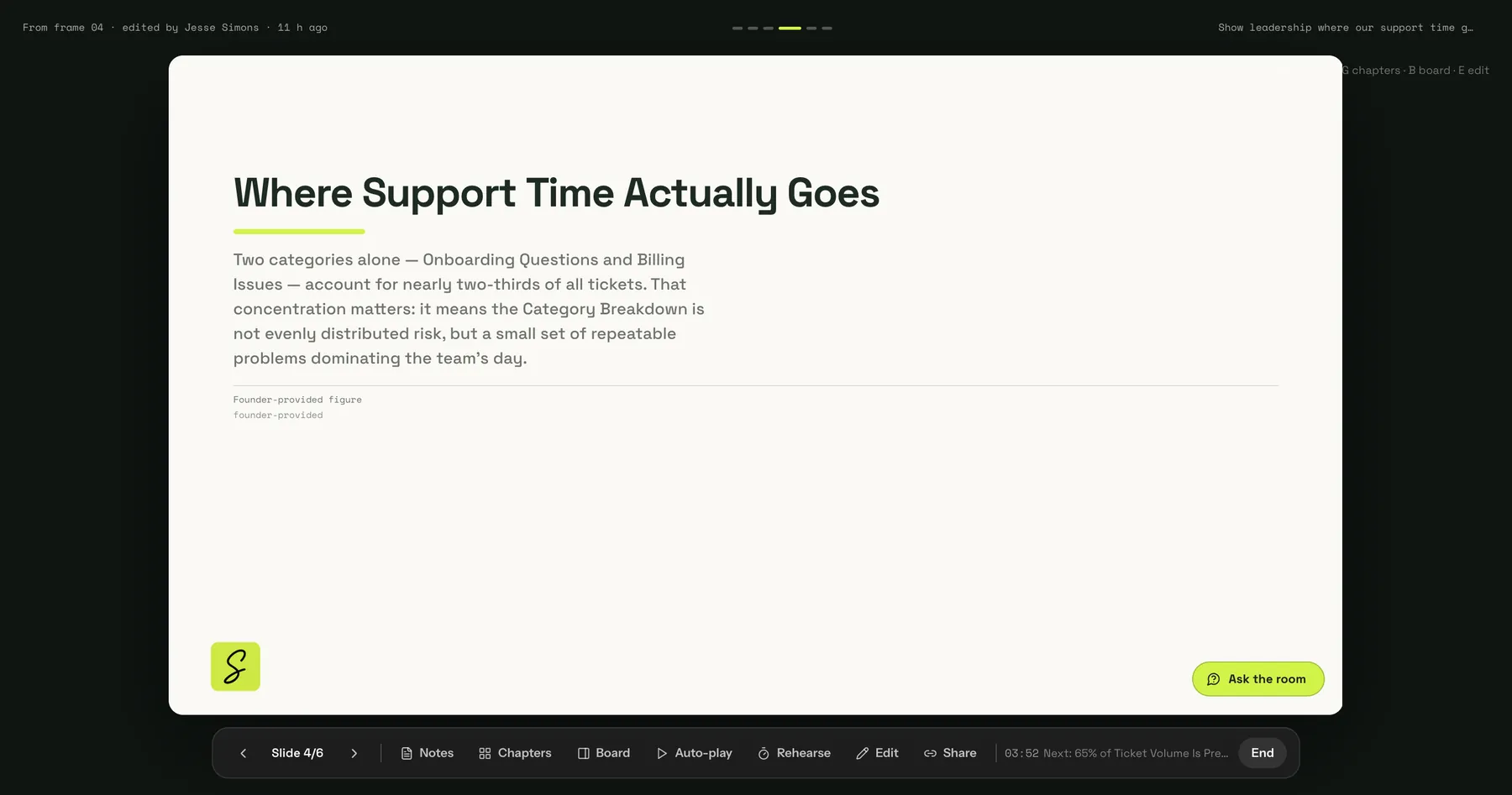
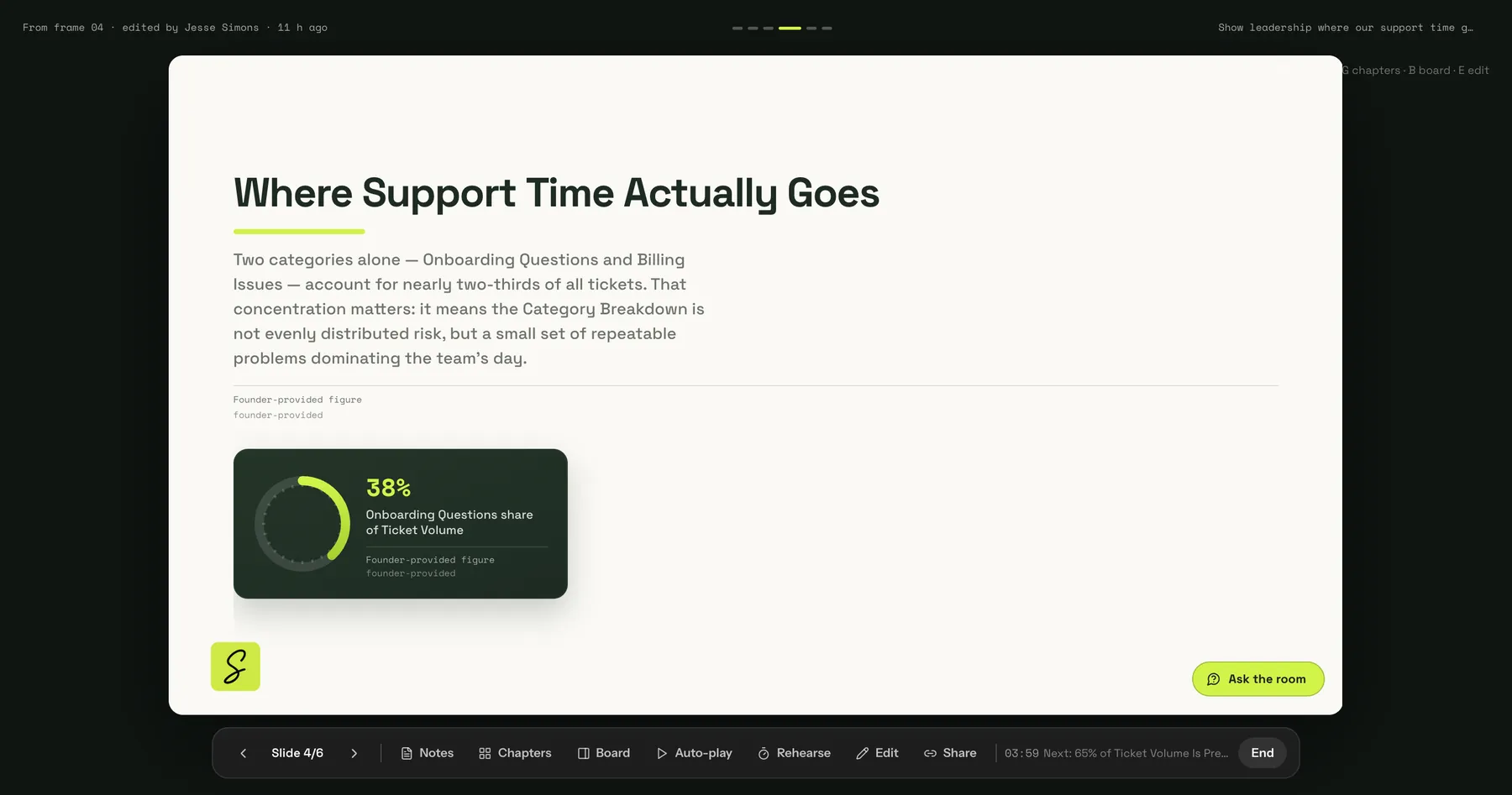
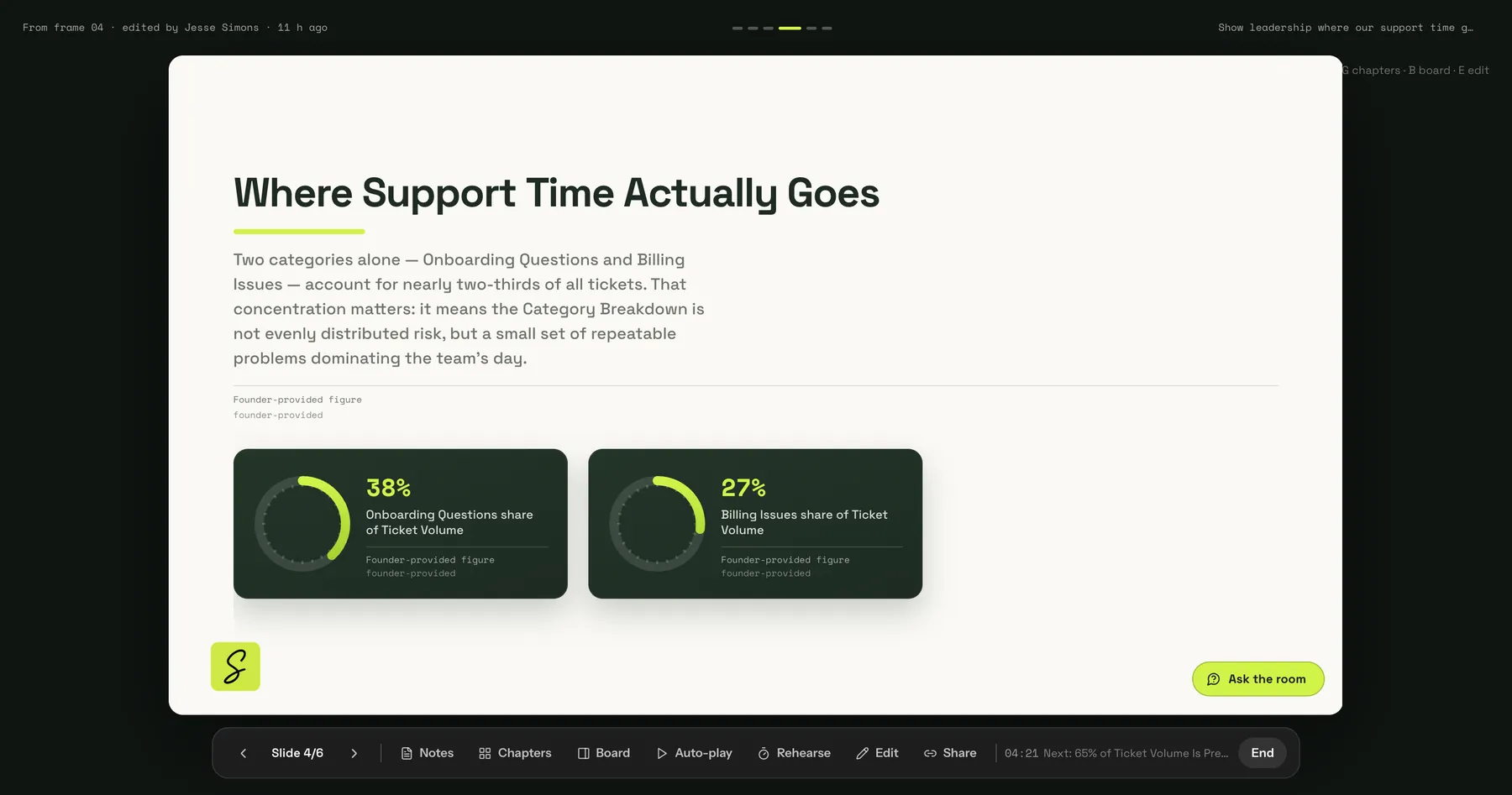
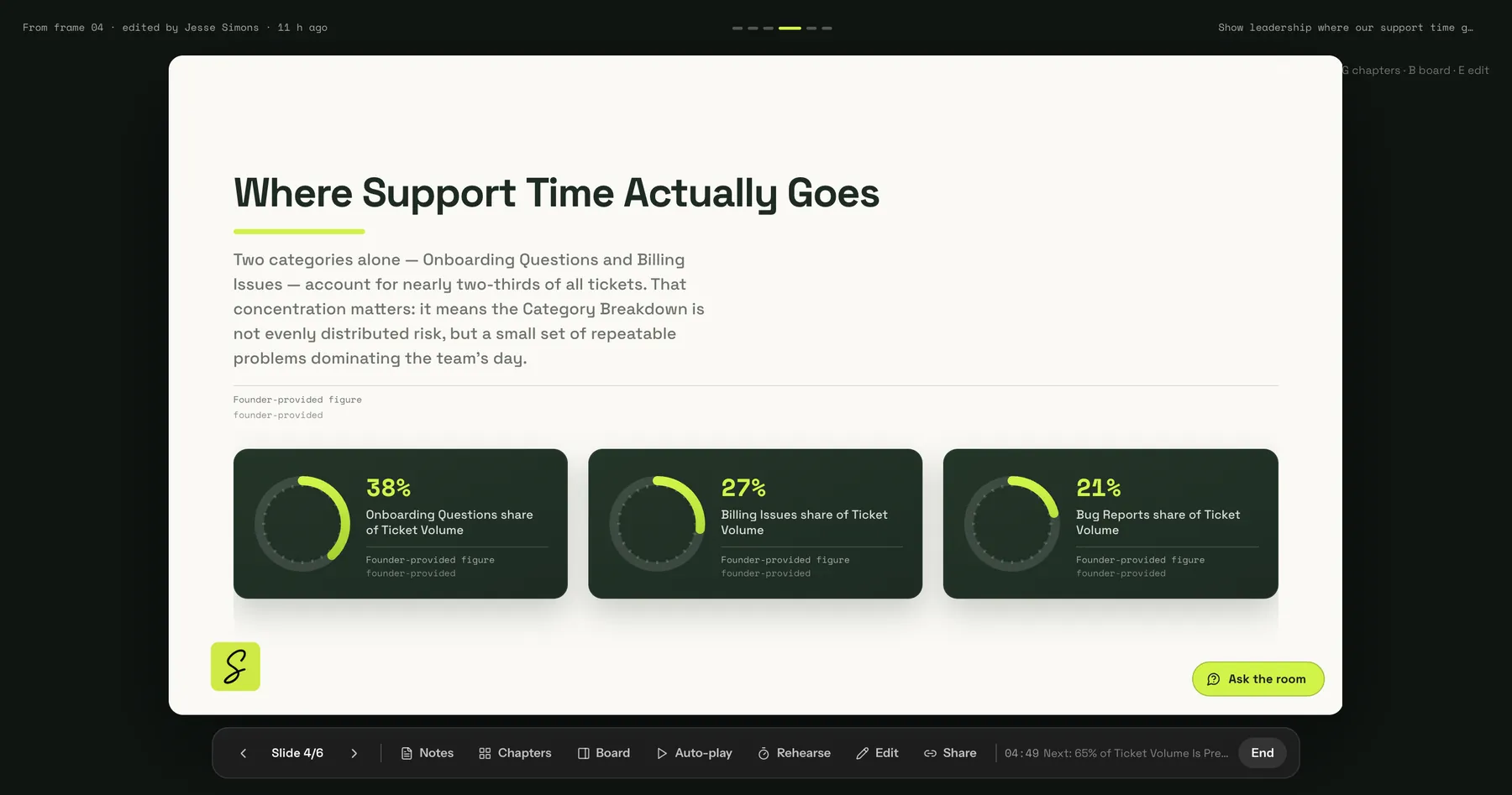
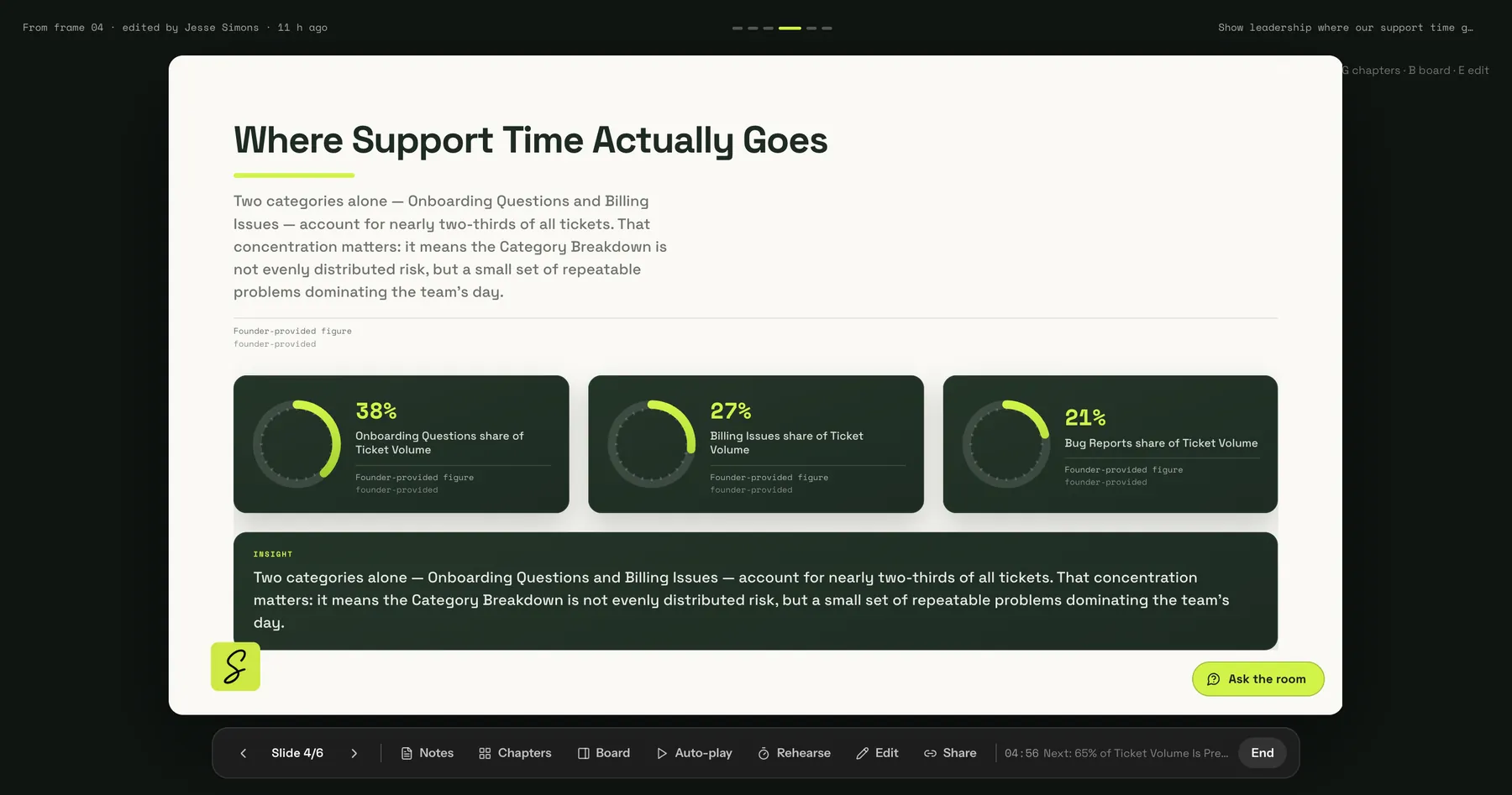
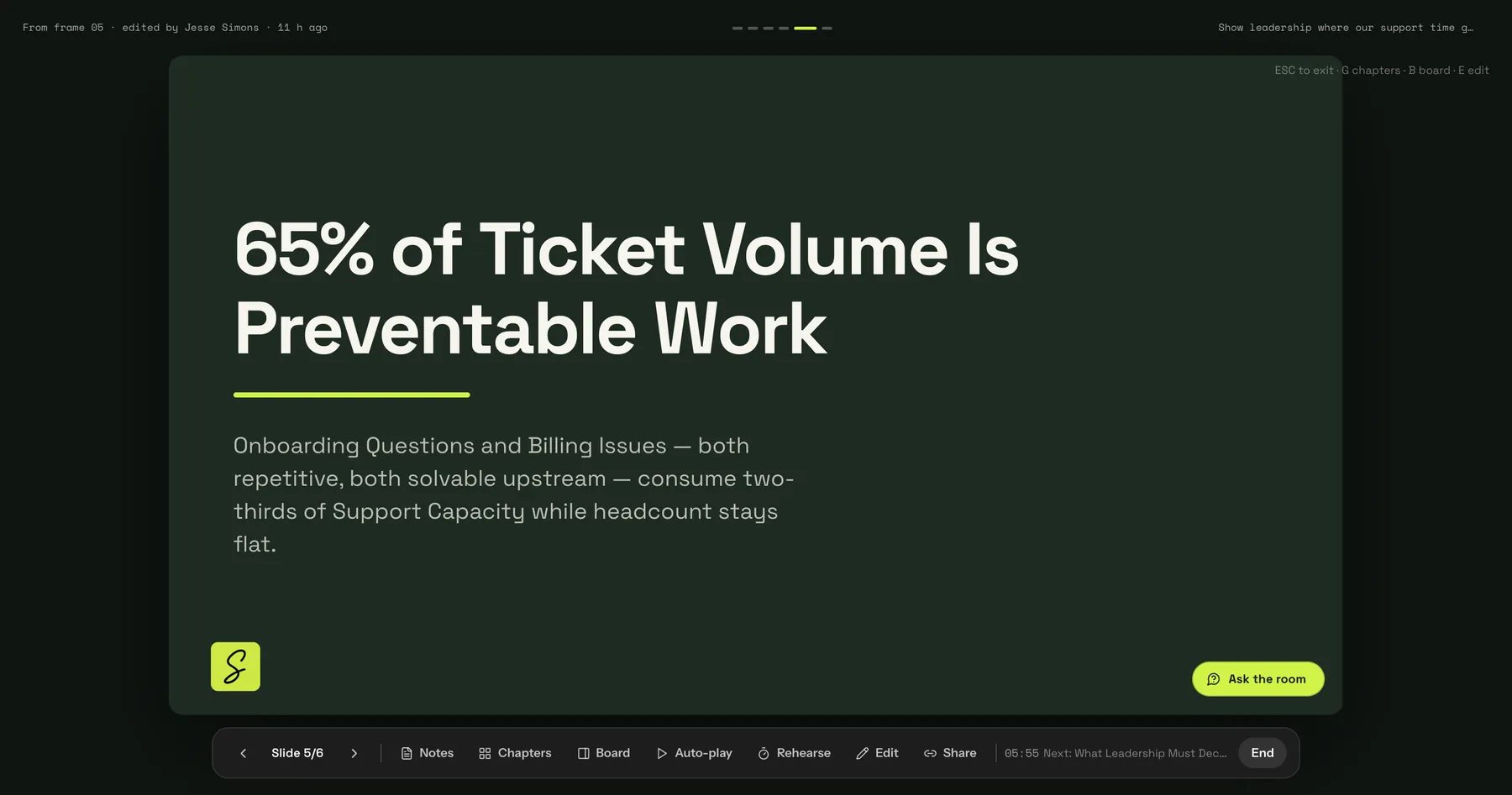
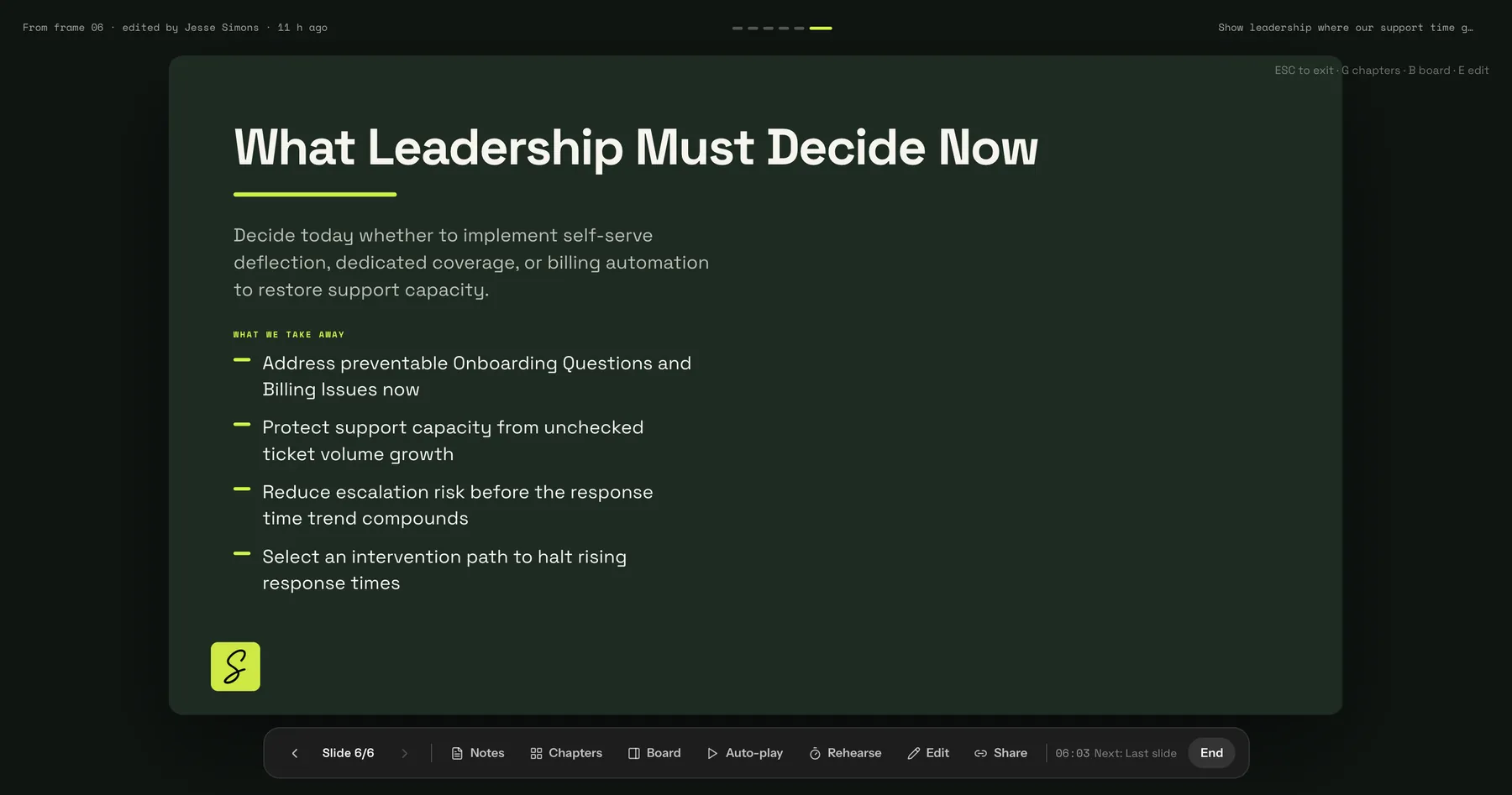
Click through the slides the way your audience sees them. Points appear one by one and charts animate. Speaker notes and rehearse mode are built in.
- 03
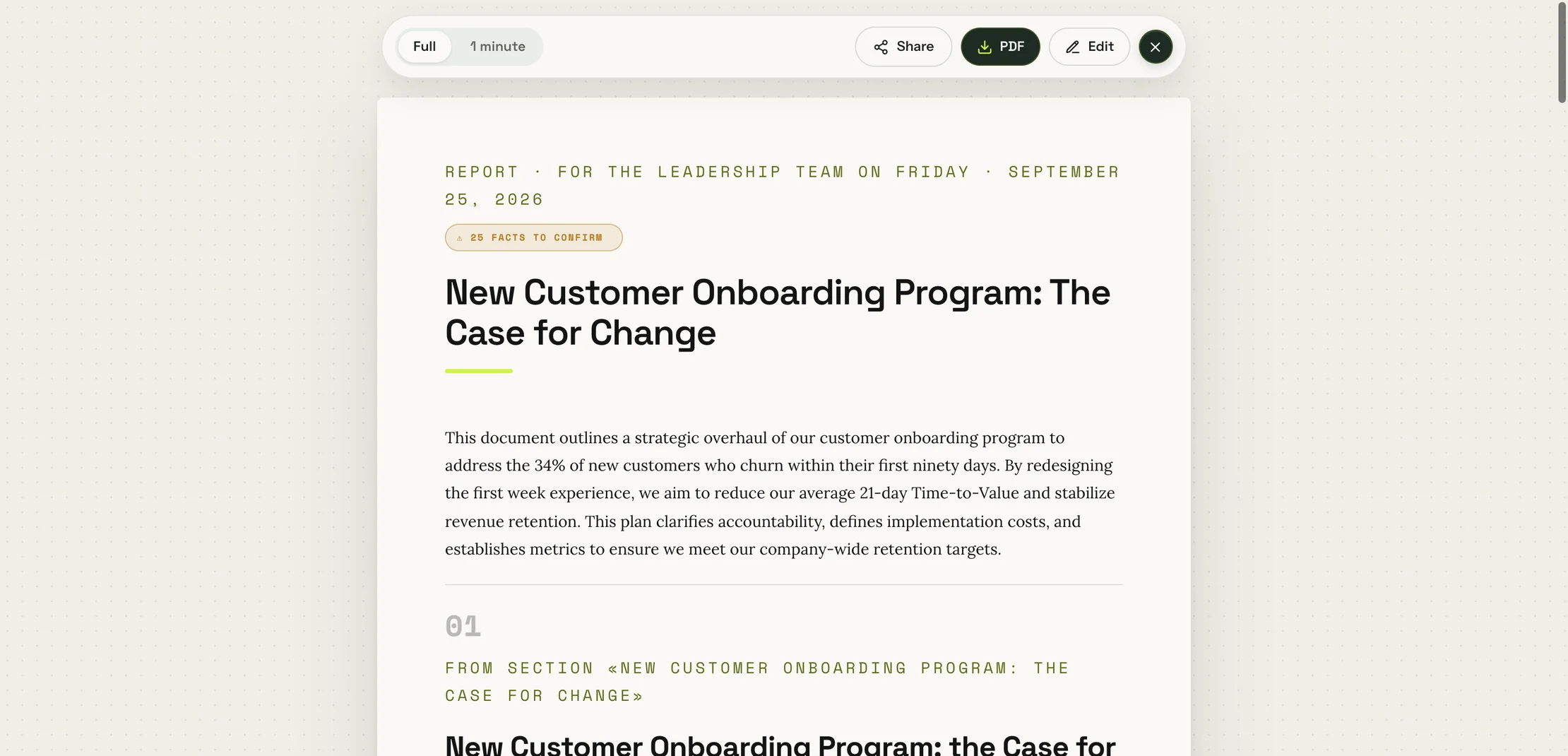
Send it as a document
A written report for the people you named, in full or as a one-minute summary. Missing facts are listed.
- 04
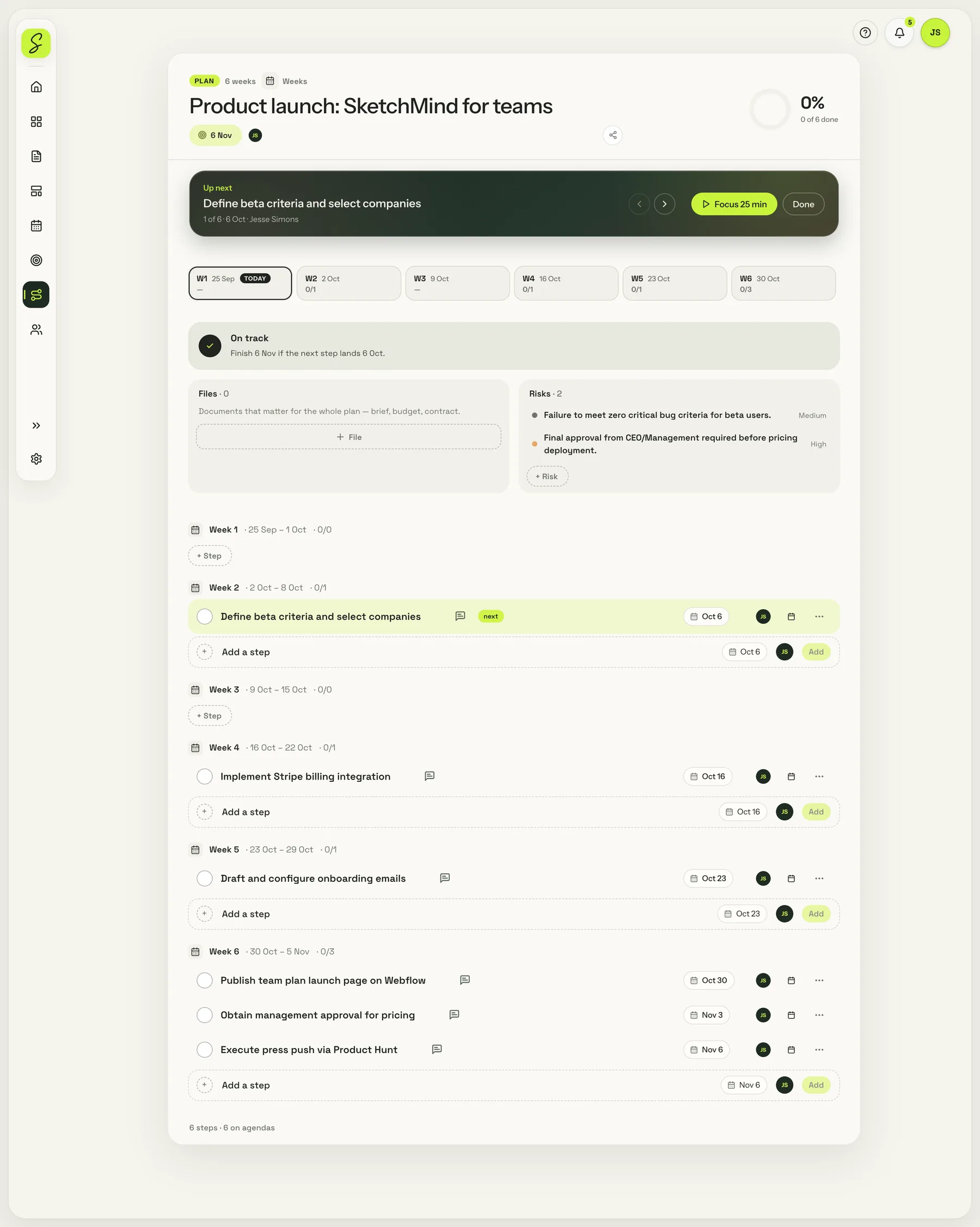
Plan it with dates
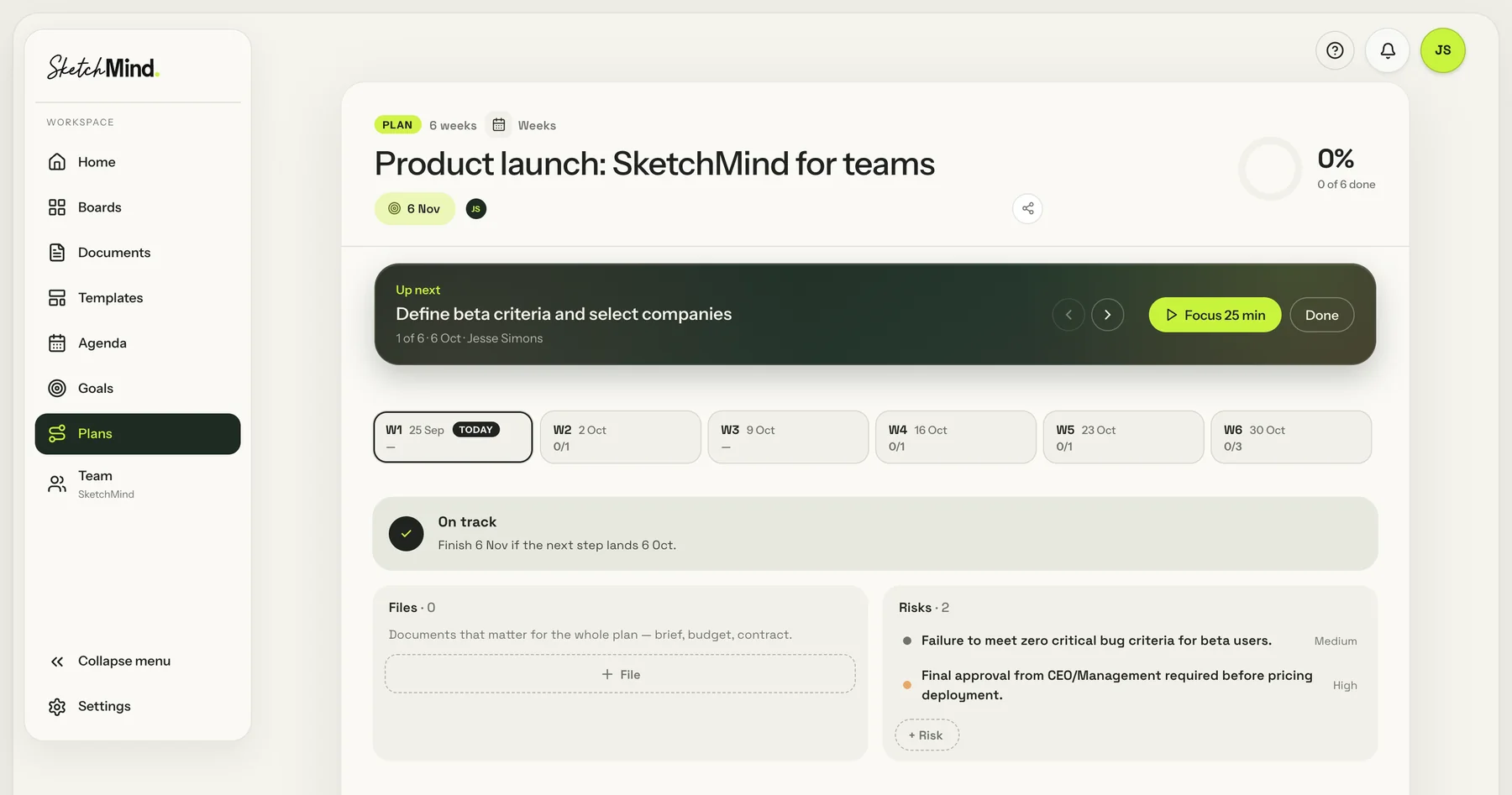
Steps per week with owners, progress and risks. Start a 25-minute focus timer on the next step.
- 05
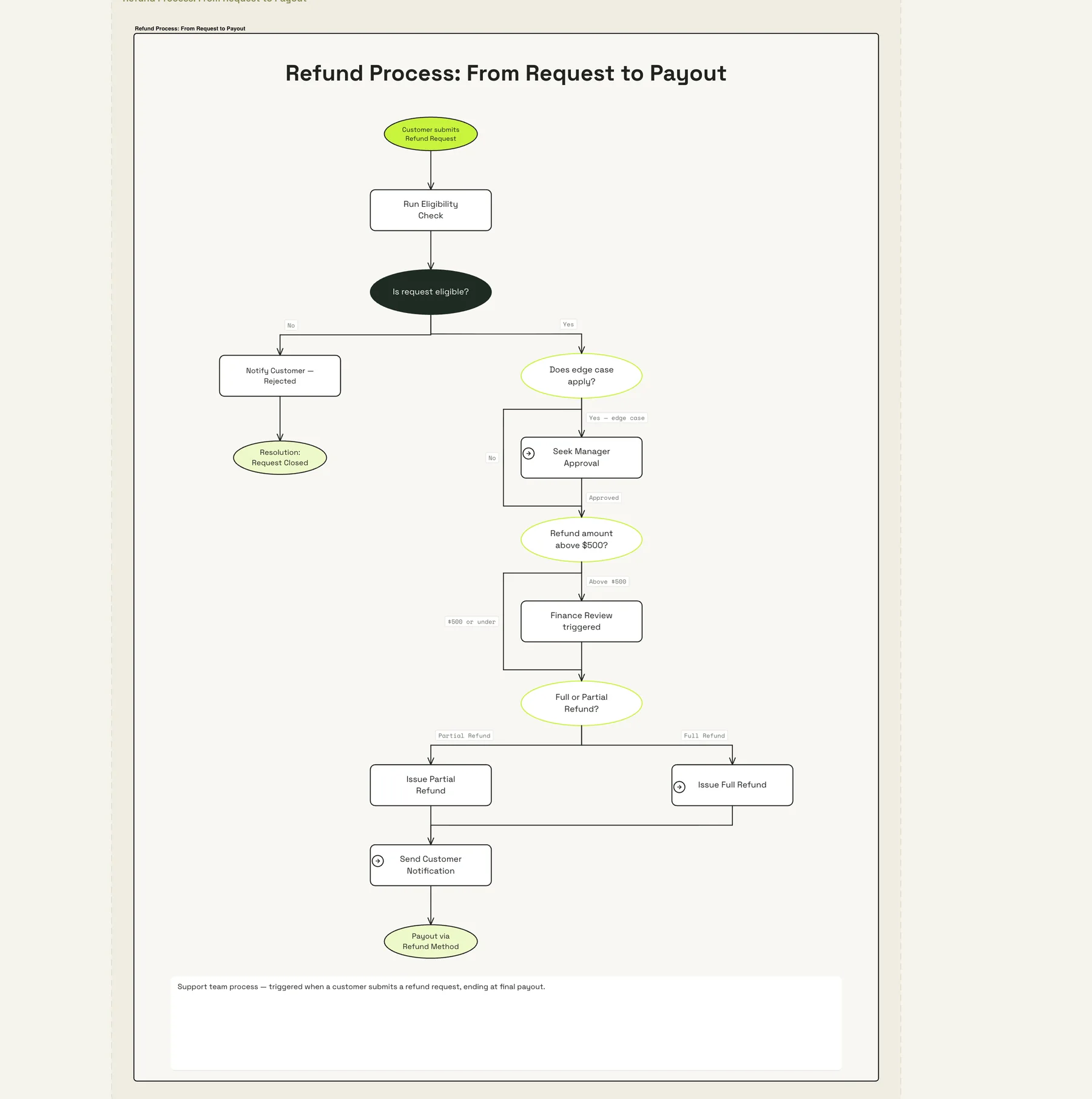
Map a process as a flow
Every step and decision in one flow, from request to payout. You can edit all of it.


Your boards, tasks, plans
and goals in one place.
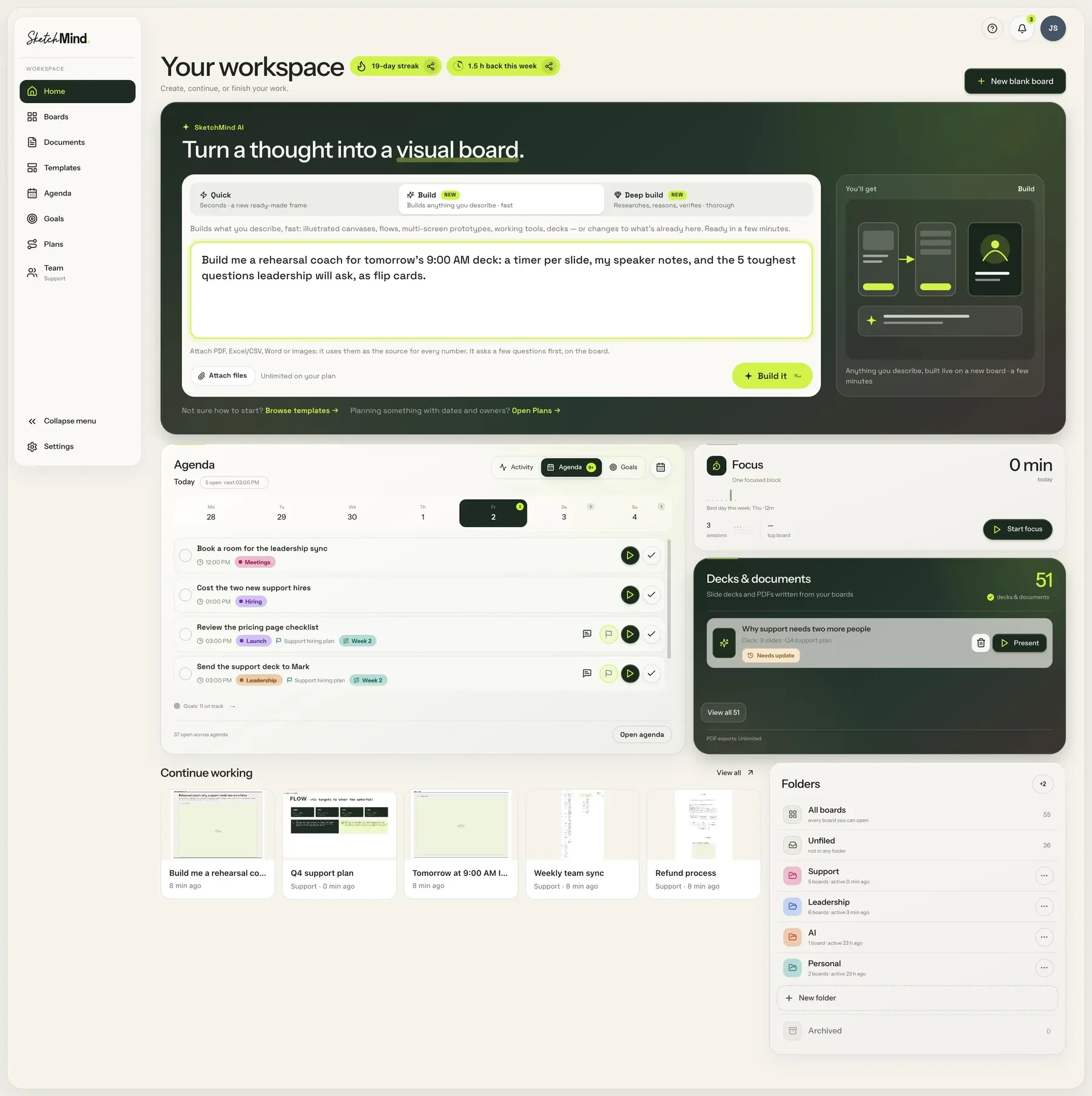
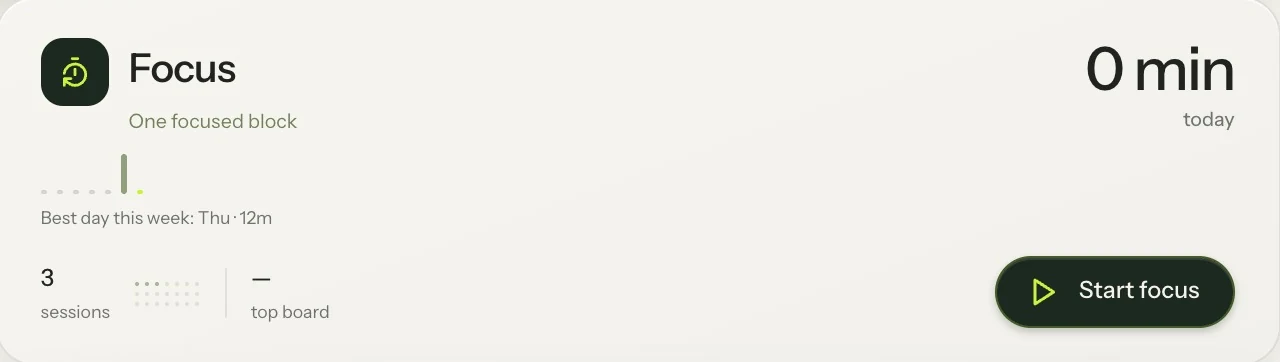
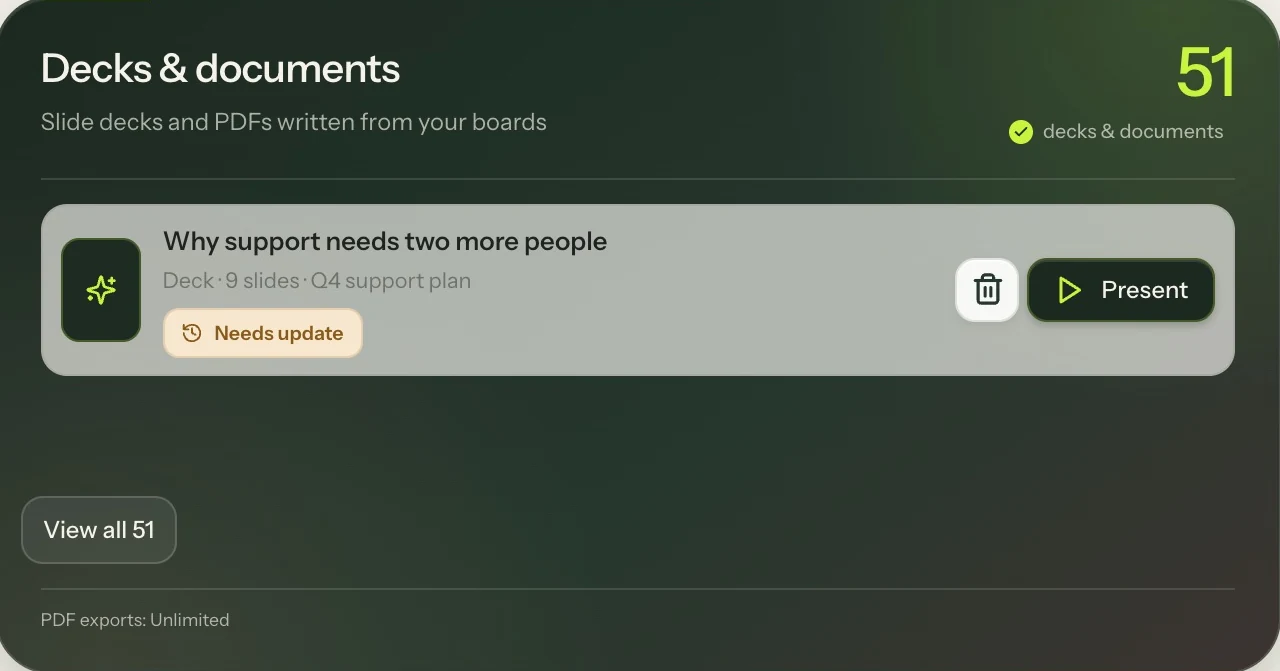
Your tasks, plans, goals, focus time and documents sit next to your boards. Add tasks yourself or let a plan create them, link what belongs together, and see your whole day in one agenda.


Works on your phone
and tablet.
The full app, not a viewer. On your phone you can create boards, open them and tick off tasks. On a tablet you can also write and draw with a pen.
You are ready for the meeting.
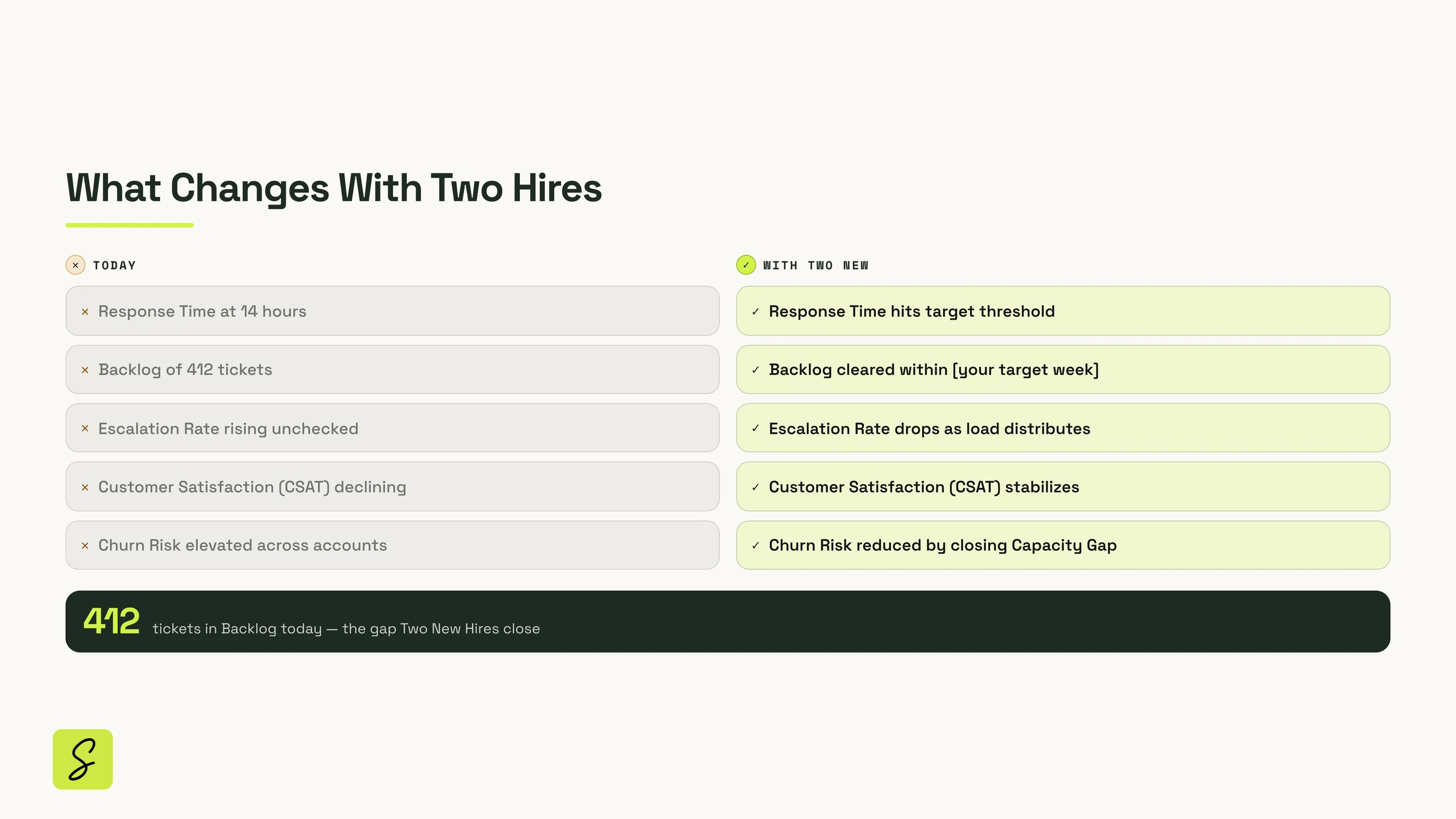
SketchMind made the finished deck in minutes. You only had to check it.
By hand, this takes about 2.5 hours.
Based on the same estimates SketchMind uses for the “time saved” counter in your workspace.
Pick an example
and try it.
Your whole team, one workspace, one bill.
- Everything in Pro Creator for every member
- Shared team folders and one brand kit
- Admin console: members, roles, offboarding
- Viewers never need a seat
Start free. Upgrade
when you need more.
- 5 boards
- 5 AI-generated boards (one-time)
- 5 AI rewrites (one-time)
- 10 handwriting conversions (one-time)
- Unlimited documents you write yourself
- 2 editors per board
- Unlimited viewers
- Unlimited boards
- 20 AI boards per month
- 100 AI rewrites per month
- 3 designed presentations per month
- 3 AI document exports (PDF) per month
- Unlimited documents you write yourself
- Unlimited handwriting conversion
- 3 editors per board
- Everything in Pro
- Unlimited AI boards (fair use ~200/mo)
- Unlimited AI rewrites
- Unlimited designed presentations & PDF exports
- Unlimited editors per board
- Brand kit
- Everything in Pro Creator, per member
- Shared team folders
- Team brand kit
- Admin console: members, roles, offboarding
- Add or remove seats any time
- Unlimited viewers, no seat needed
Founding offer: the first 1,000 paying subscribers lock the $49 Pro Creator price permanently. Not a discount — a lock against every future increase.
The thinking was never the slow part — the tool was. SketchMind gives you a finished, presentable result in seconds, so your time goes to what you want to say.
Questions, answered.
What exactly does the AI make?
You pick one of four: Frames (4–8 editable frames on your board), a Presentation (6–8 designed slides with speaker notes, on Pro plans), a Flow (one frame with the steps and decision points) or a Checklist (one frame of grouped items you tick off). From a board you can make a document, and plans with owners and dates have their own tool.
Does it make things up?
It's built not to. When a fact is missing — a number, a date, who approves what — SketchMind asks before it writes. Anything you skip is written as a question to confirm, and figures you gave are labelled as yours.
What does “connected workspace” mean in practice?
Tasks you add from a board stay linked to it. Plans start from a board and their steps can point at a frame. You can start a focus session from a plan step, a task or the board. Documents are written from a board and marked out of date when the board changes. Goals track the tasks behind them.
Does it work on a phone or tablet?
Yes. On a phone you get the full workspace — home, boards, documents, agenda and plans. On a tablet you can work with a pen: hold it on the canvas for the radial menu, write by hand and convert it to text, and your palm won't draw.
Are the images on this page real?
Yes. Every product image here was generated in SketchMind and captured straight from the app — no mockups. The profile photos in the chat example are illustrative.
Is it really free?
Yes. The Free plan is free forever: 5 boards, 5 AI boards, 5 AI rewrites and 10 handwriting conversions, with no credit card. The AI allowances on Free are one-time; monthly allowances start with Pro.
Do you train AI on my boards?
No. Your boards are private by default and we don't use your boards or prompts to train our own models. See the Privacy Policy.
What do you want to explain?
Type it in one sentence. SketchMind builds the board, the deck or the plan for you.
Free account · no credit card